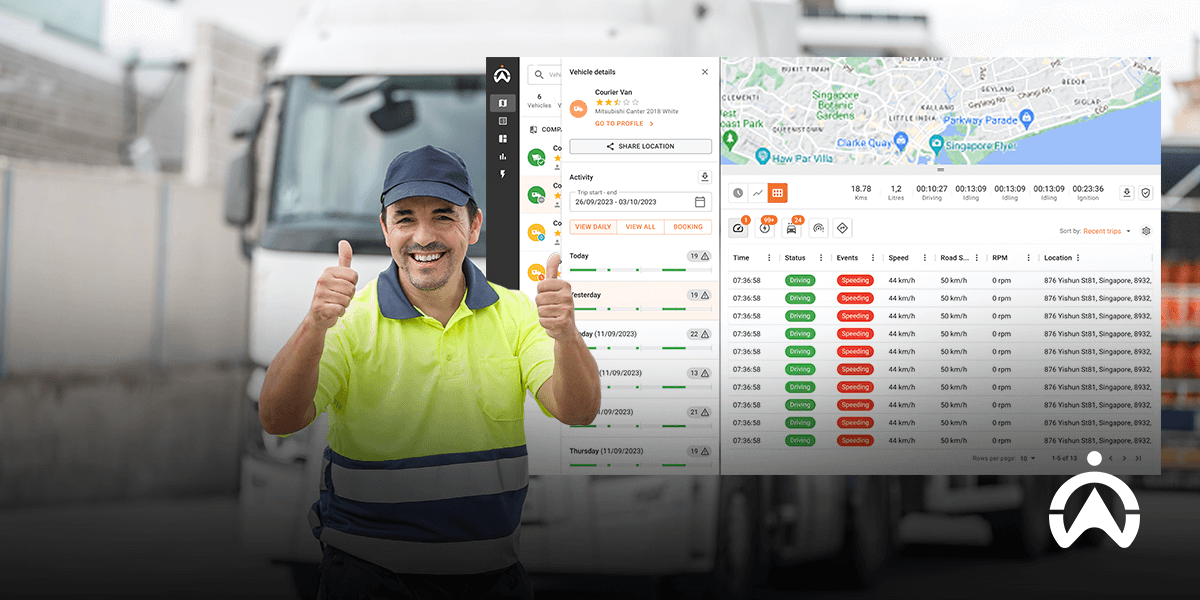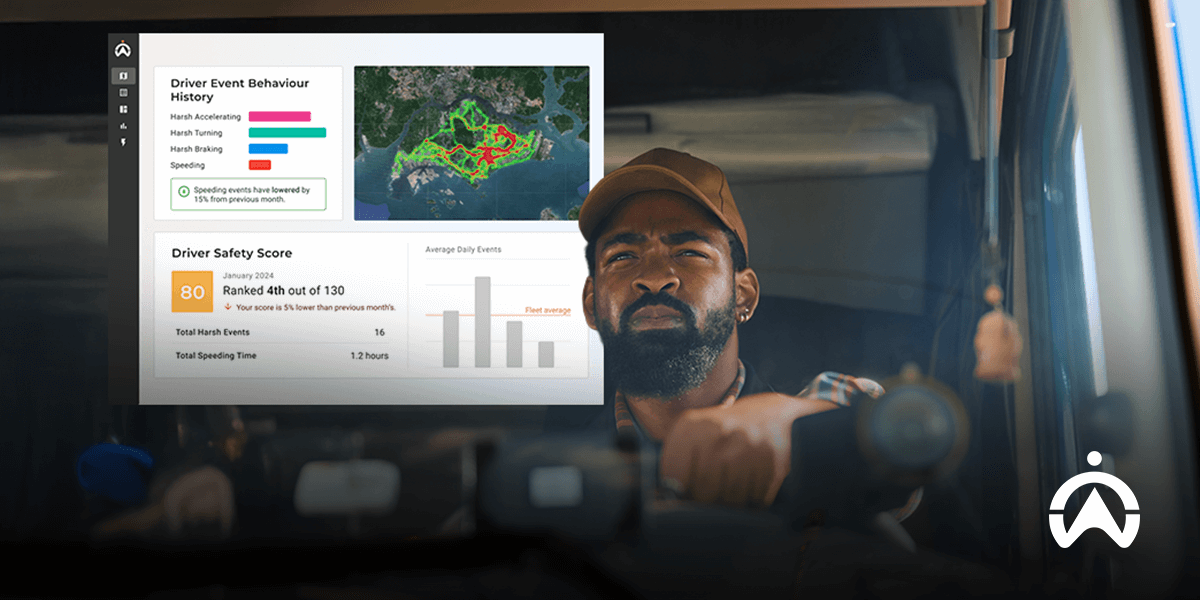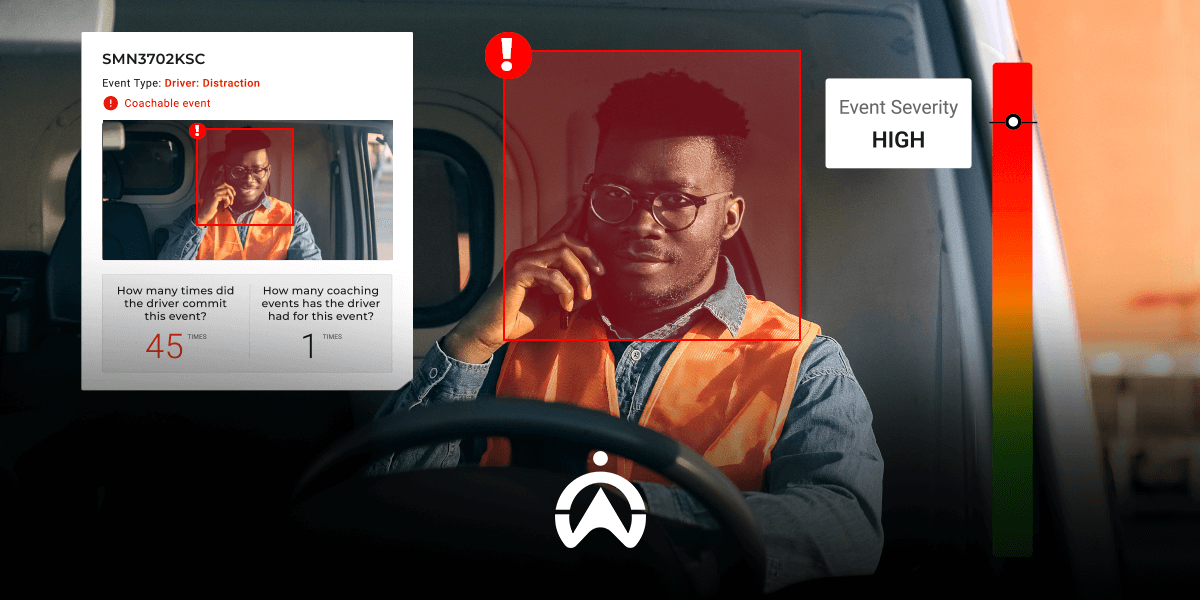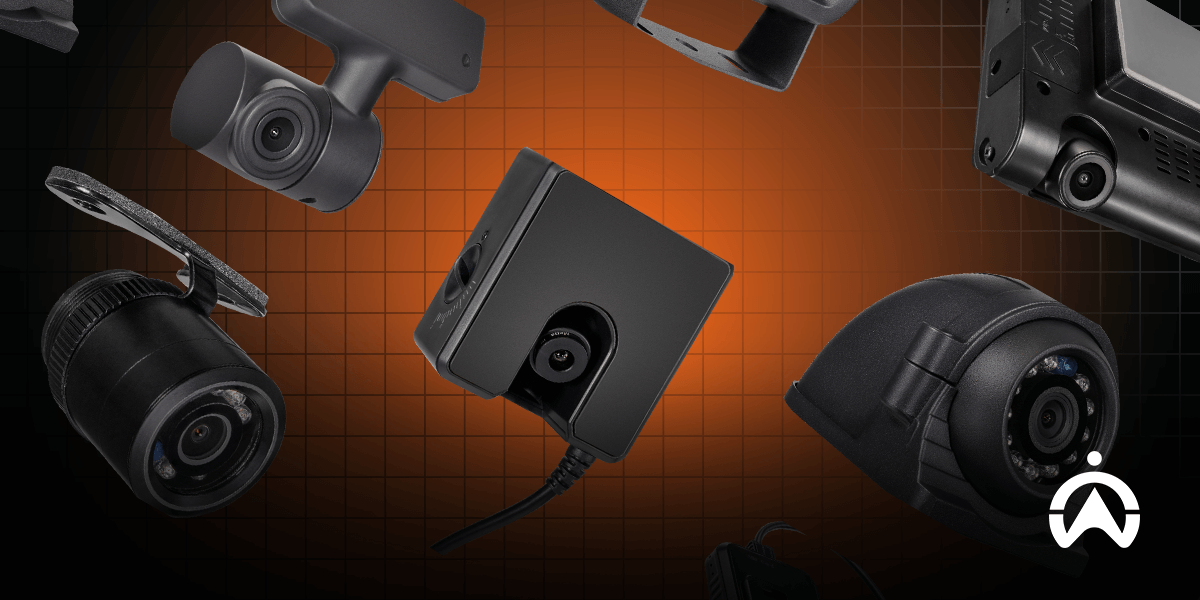

What are 5 Common Mistakes to Avoid When Using a Dashcam?

Dashcams aren’t just devices you go buy at a tech store. They should rather be seen as an (ideally) hardwired vehicle component that is essentially part of your car. Failing to manage footage and memory is another common mistake motorists make, but it all starts with choosing the right dashcam from the get-go. 

In line with the World Health Organization’s tracking of global road safety trends, dashcams have become nearly indispensable for drivers, with millions installed to date. Locally, a rise in unpredictable road incidents has Malawian motorists researching dashcams to ensure their road events are properly captured for legal means.

But with so many brands available to consumers, which one is best? And what are the mistakes being made by motorists when they finally bite the bullet and make the purchase? Cartrack Malawi will highlight 5 common mistakes you could make when using a dashcam and also show you the best way to avoid these mistakes by purchasing the right one.

What are 5 mistakes drivers typically make when using a dashcam?

  1. Purchasing the wrong dashcam in the first place
  2. Mounting the dashcam incorrectly
  3. Not managing their footage efficiently
  4. Being ignorant of “night vision”
  5. Sharing footage prematurely on social media platforms

1 – Buying the wrong dashcam

Arguably the biggest mistake dashcam users make is in the initial selection process. Dashcams are seen as an accessory for your car; something we just add for continuous recording “just in case” something happens that’s worth capturing.

But dashcams are a bit more complex than people realise. Video footage takes up a lot of data. Imagine capturing every trip on your phone camera! It wouldn’t be long before your gallery ran out of space. And if you were to go over that footage afterwards, you’d quickly realise that much of that footage is painfully boring.

This is basically what store-bought dashcams are: simple cameras that record EVERYTHING about your trip. Not as useful as one might think.  

Problems that stem from buying the wrong dashcam:

The 5 mistakes we mention in this article actually stem from this main mistake: CHOOSING THE WRONG DASHCAM to begin with. This will create mounting problems (you’ll likely have to mount it yourself), data management problems (store-bought cameras come with SD cards that require meticulous maintenance), and other challenges.

  • ‍“But they’re so much cheaper.”
    ‍
    True, but for the purposes of protecting you on the road, store-bought dashcams won’t necessarily do everything you need them to—especially in an emergency.
    ‍
  • ‍“But I only have to pay for it once.”
    ‍
    Yes, but a once-off purchase comes with a lot of self-maintenance that will become tedious after some time.

So before you buy your next dashcam, let’s look at how mounting, data management, and safety features can be misunderstood. That way, you’ll make the right choice from the get-go.

2 – Bad mounting

Incorrect camera placement is a common mistake that ultimately renders your dashcam relatively useless. A store-bought dashcam will need to be mounted with wires hanging down to the plug that’s connected to your cigarette lighter.

Definitely NOT ideal!

Problems that stem from mounting your dashcam incorrectly:

Another big mistake is failing to inspect your windscreen beforehand. A crack in the windscreen could distort the footage, and windscreens that are strongly tinted could do the same (although this is less common). Bad footage won’t be useful if you ever need to refer to it for legal or insurance reasons.

  • Some users even make the mistake of mounting the dashcam OUTSIDE of the vehicle, which will cause the camera to suffer damage very quickly.
    ‍
  • A dashcam mount that disregards power is another common mistake. It might be in the right position, but will it sufficiently charge when your car is switched on?
    ‍
  • ‍What about the angle? Is it picking up everything you need it to? How will you know how to adjust the camera to the most ideal angle?

Also remember: your car is constantly vibrating. The camera must be securely fixed by a professional, and the wiring should be hardwired to your vehicle in a way where wires are NOT in the way.
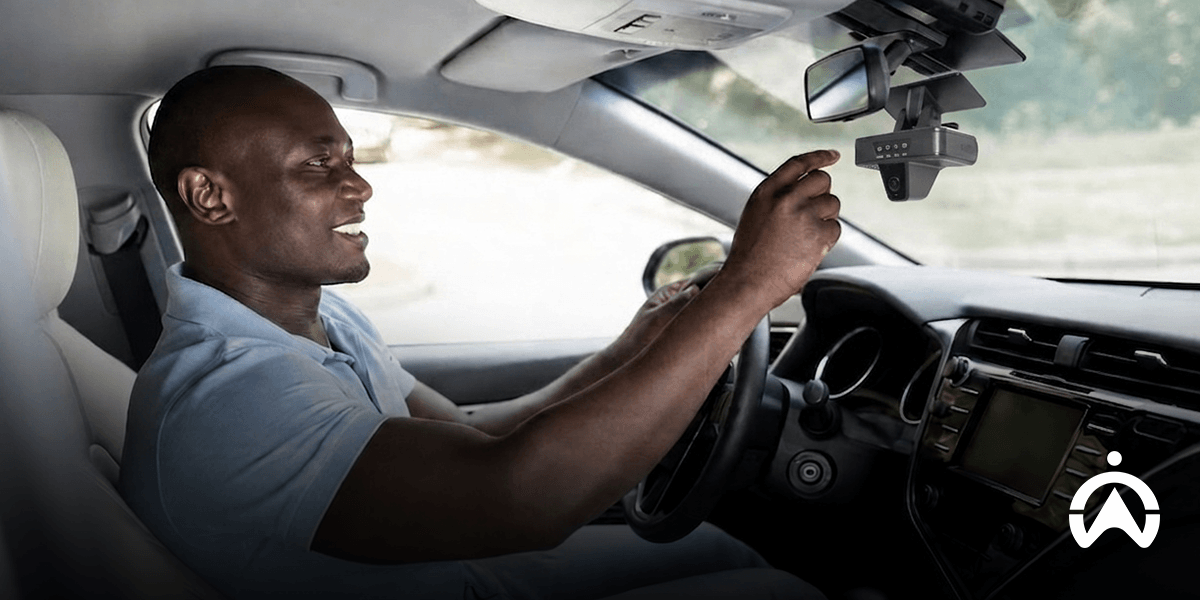
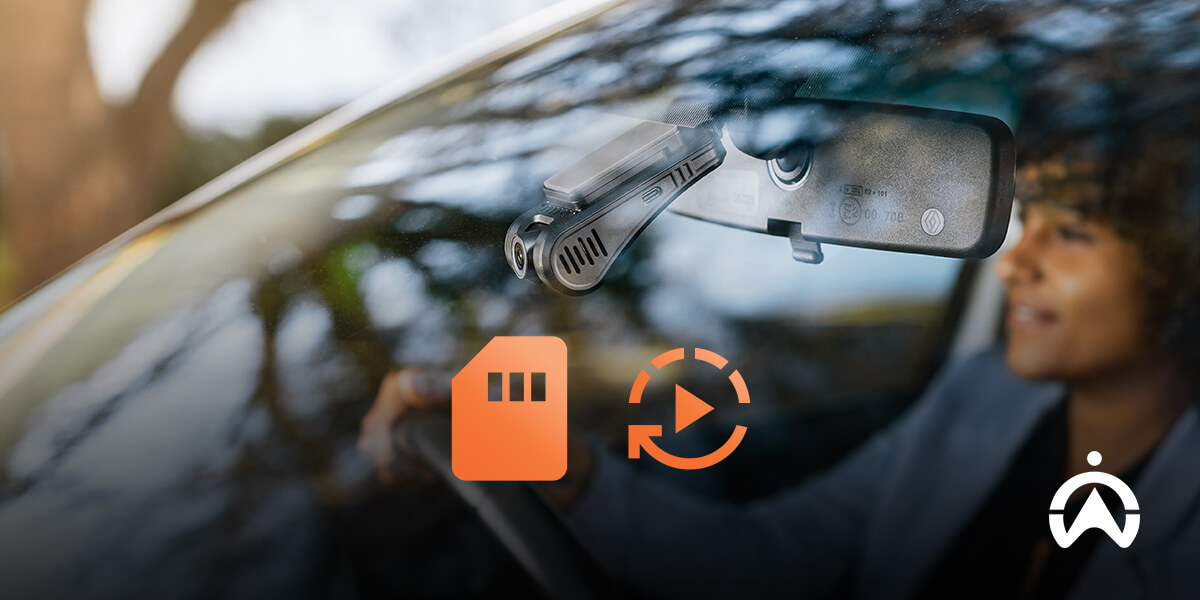
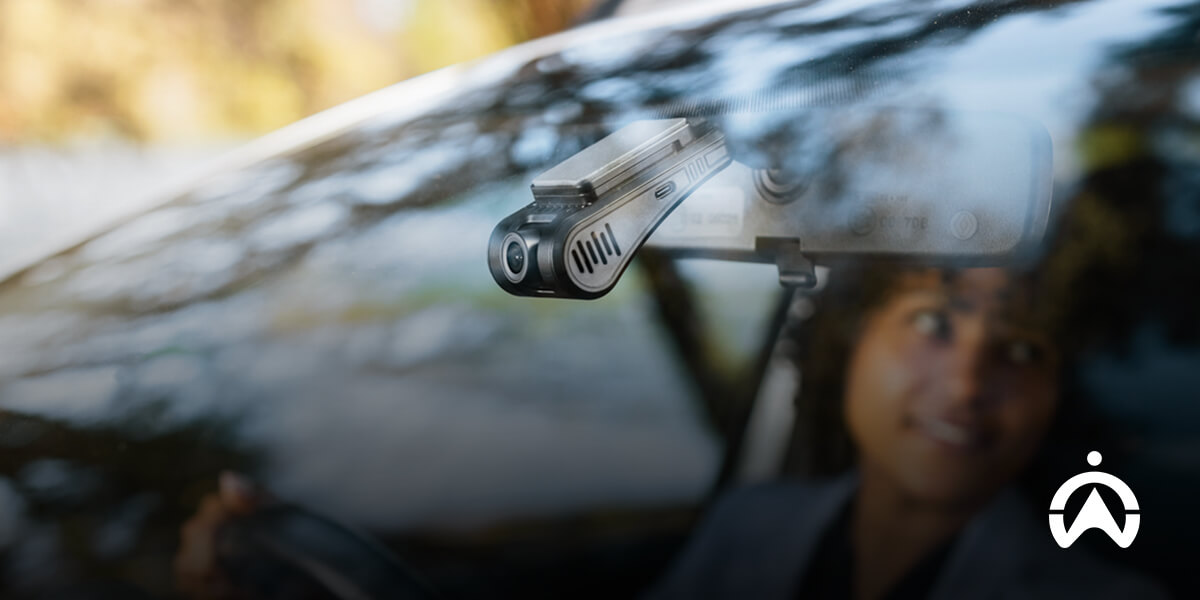
Driver adjusting a dash camera inside a vehicle, showing common mistakes to avoid when using a dashcam for proper placement and recording quality

3 – Wasting memory with irrelevant footage

As we mentioned earlier, much of the footage of your dashcam is nothing more than boring travel. This is not the purpose of a dashcam, because all of this footage takes up loads of space (or memory).

Many dashcams out there come with SD cards, which is where all this footage gets stored. But these need to be formatted at least once a month. You can pull footage and save it to your laptop if you want, but you’d have to search for it among hours of video you don’t actually need.

Problems that stem from memory mismanagement:

Not managing your footage correctly results in lost footage, corrupted images, and possibly a damaged SD card. The point of your dashcam is ultimately PROTECTION. If you don’t have clear, observable footage, you can’t use it to prove your innocence or the actions of those you encounter on the road.

4 – Misunderstanding “night vision”

Night vision is a great feature for using your dashcam in limited light. The problem comes in where night vision doesn’t adapt to bright lights and shadows. Night vision causes lights to be blindingly bright, making it impossible to discern shapes, shadows and number plates.

Problems that stem from night vision issues:

You might buy a dashcam because it has night vision (great selling point!), but without wide dynamic range (WDR) technology, the camera won’t adapt to bright lights in real time. This will leave you with indiscernible footage that’s useless for recourse if you experience an event on the road.

5 – Premature sharing of footage

It’s not technically illegal to record other people on the road, but once you share images of other people for the purpose of “naming & shaming”, you’re entering into dangerous territory.

The Data Protection Act (2024) prohibits you from sharing recorded footage (where a private person can be easily identified) on public platforms. This includes number plates, faces, names, and other identifiable factors.

Problems that stem from sharing footage against regulations:

People get into a fair amount of legal trouble by sharing the identities of others online. This can open the floodgates of civil litigation where YOU’RE suddenly the one in the wrong!

Other bystanders who aren’t involved in the incident might also be in the footage. Without their consent, you may not share their faces on social media in Malawi.

Remember: dashcam footage is there to identify someone who did something wrong, but always go to your insurance company first, and then to the police with your evidence. Social media isn’t where private information about other people should be divulged.

How does choosing the right dashcam solve these problems?

Choosing your dashcam from a reputable telematics service provider negates these problems by controlling footage wisely, having the camera installed properly, and guiding you on the correct (and legal) ways to use your footage and camera features. Suppliers like Cartrack Malawi approach dashcams from a professional viewpoint, giving you everything you need to stay truly protected on the road.

Here’s how:

Cartrack’s solution to low-quality footage

Cartrack Malawi solves low-quality footage by always mounting your dashcam PROFESSIONALLY. We also inspect your windscreen for you, and wire your dashcam (typically through your cubbyhole) in a way that hides the DVR box and keeps wires out of the way.

Our dashcams give you high-definition footage, making it clear and easy to refer to when you need it for insurance claims or legal defence. The dashcam is mounted securely, so vehicle vibrations won’t affect the integrity of the device or its components.

Cartrack’s footage management strategy

Data and footage are where Cartrack Malawi really shines! Instead of having a massive storage of irrelevant footage, Cartrack Malawi only stores video that’s based on an event. Our cameras automatically store this footage for 3 years in case you need to refer to it later.

This policy also solves the privacy problem of sharing footage. We’re bound by the Data Protection Act (2024) to only share footage for legal or insurance purposes, keeping you safe from misusing that footage and getting into trouble.

If you need to review event footage, we’ll give you access to it—so you only use data when you actually need it. Our cameras do have SD cards for immediate recording, but you’ll never need to format it to keep it in good condition.

Cartrack’s night vision feature

Your Cartrack dashcam will work just as well at night as it does during the day. Our dashcams have WDR technology built in, so it adjusts to lighting and shadows in real time, giving you clear & crisp footage.
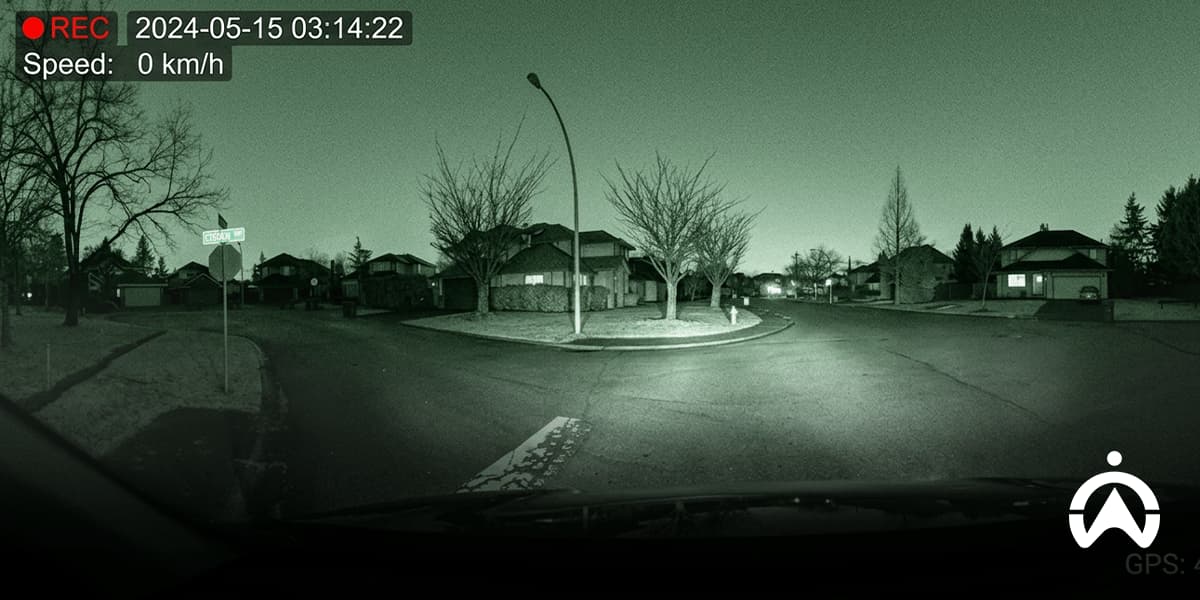
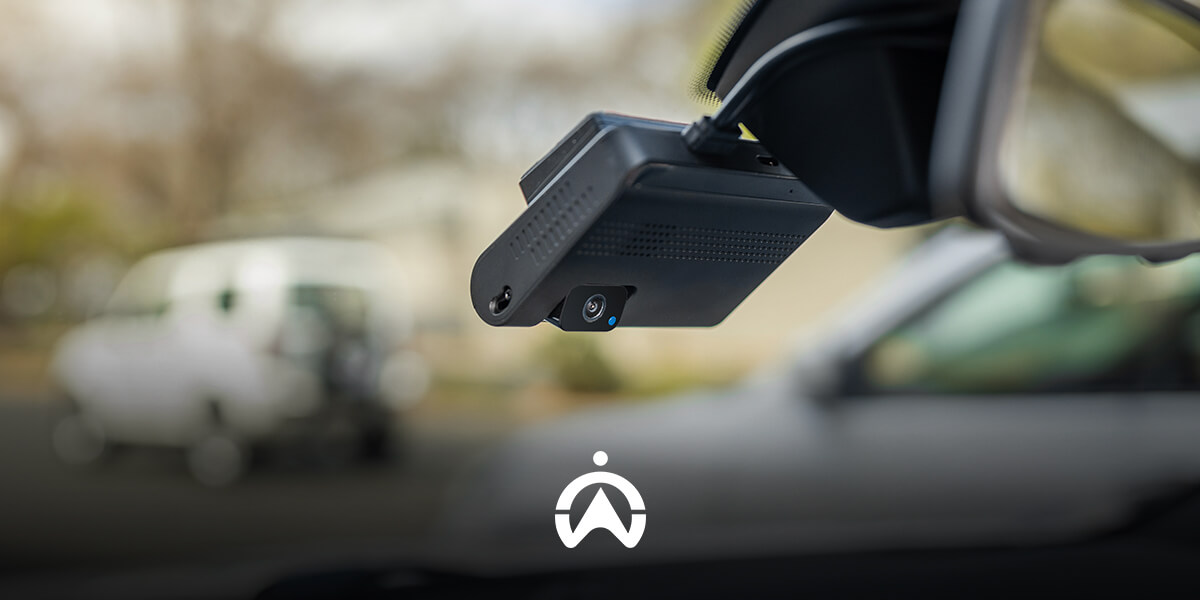
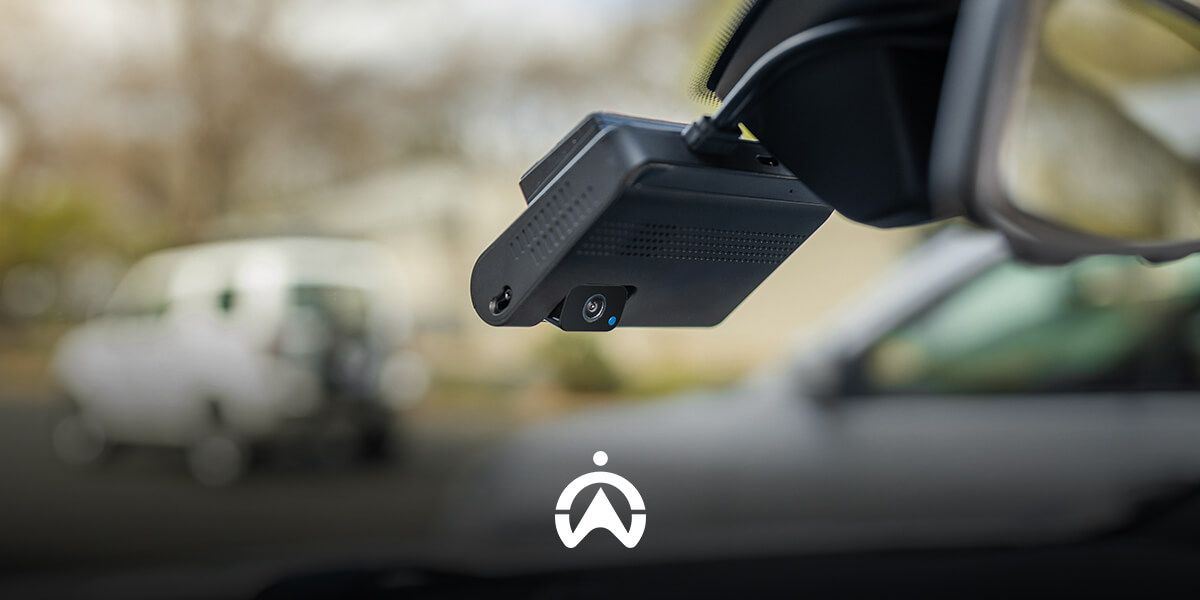
Nighttime dashcam view at a quiet intersection, illustrating common mistakes to avoid when using a dashcam for clear video recording and road visibility

What other features work well with a dashcam?

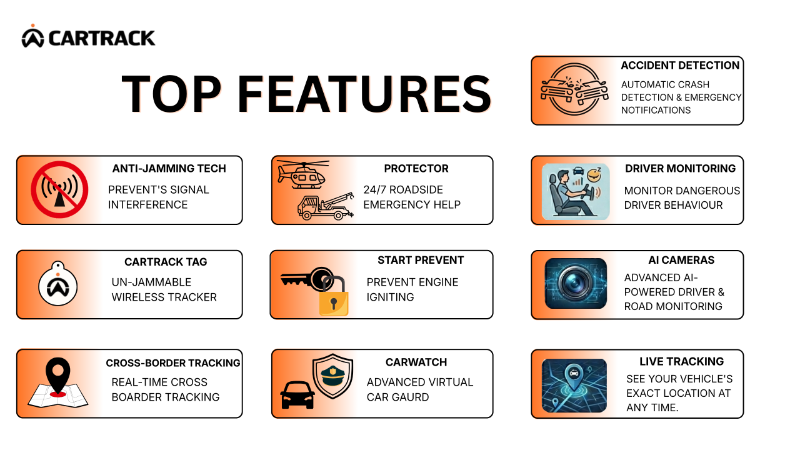
Other features that work WITH your dashcam to give you more safety features include:

  • GPS tracking and anti-jamming technology
  • Accident detection
  • AI driver & road monitoring
  • 24/7 roadside and medical assistance
  • Cross-border tracking
  • Ignition start prevention
Cartrack top features that work well with dashcams

Where should you get a dashcam?

Avoid these very nuanced dashcam mistakes and keep clear of all the complications that come with mounting, sharing, and data management. Get your dashcam from Cartrack Malawi and let us do all the heavy lifting for you.

We offer our dashcams at affordable prices, and installation is FREE! Get yours by contacting us today.

Frequently asked questions about dashcam mistakes

How do I keep my dashcam SD card healthy?

To keep your dashcam’s SD card healthy, format it once per month. File fragmentation tends to happen over time on these cards, which can cause various errors and footage corruption. By formatting once a month, you’ll keep it from overloading with data that continuously overrides old data with new.

Should I turn off the dashcam audio while driving?

No, it’s best not to turn off your dashcam audio while you’re driving. It’s surprisingly helpful to have audio when analysing dashcam footage for legal or insurance purposes. Picking up sounds like hooting or reactions from the driver helps to identify context for the event being analysed.

How private are dashcams?

Yes, dashcams from reputable providers like Cartrack are private. Our policy is to never share your footage without permission unless it’s absolutely necessary for legal or insurance purposes. Cartrack is fully compliant with the Data Protection Act (2024), which states that personal data can only be processed if it’s done lawfully, fairly, and in a transparent manner that doesn’t infringe on your privacy.

How important are the time & date settings on my dashcam?

The time & date settings on your dashcam are very important, because this ensures accurate timestamps on your footage. The time and date of an incident are critical pieces of information, and having these wrong could bring your legal or insurance claims into question.
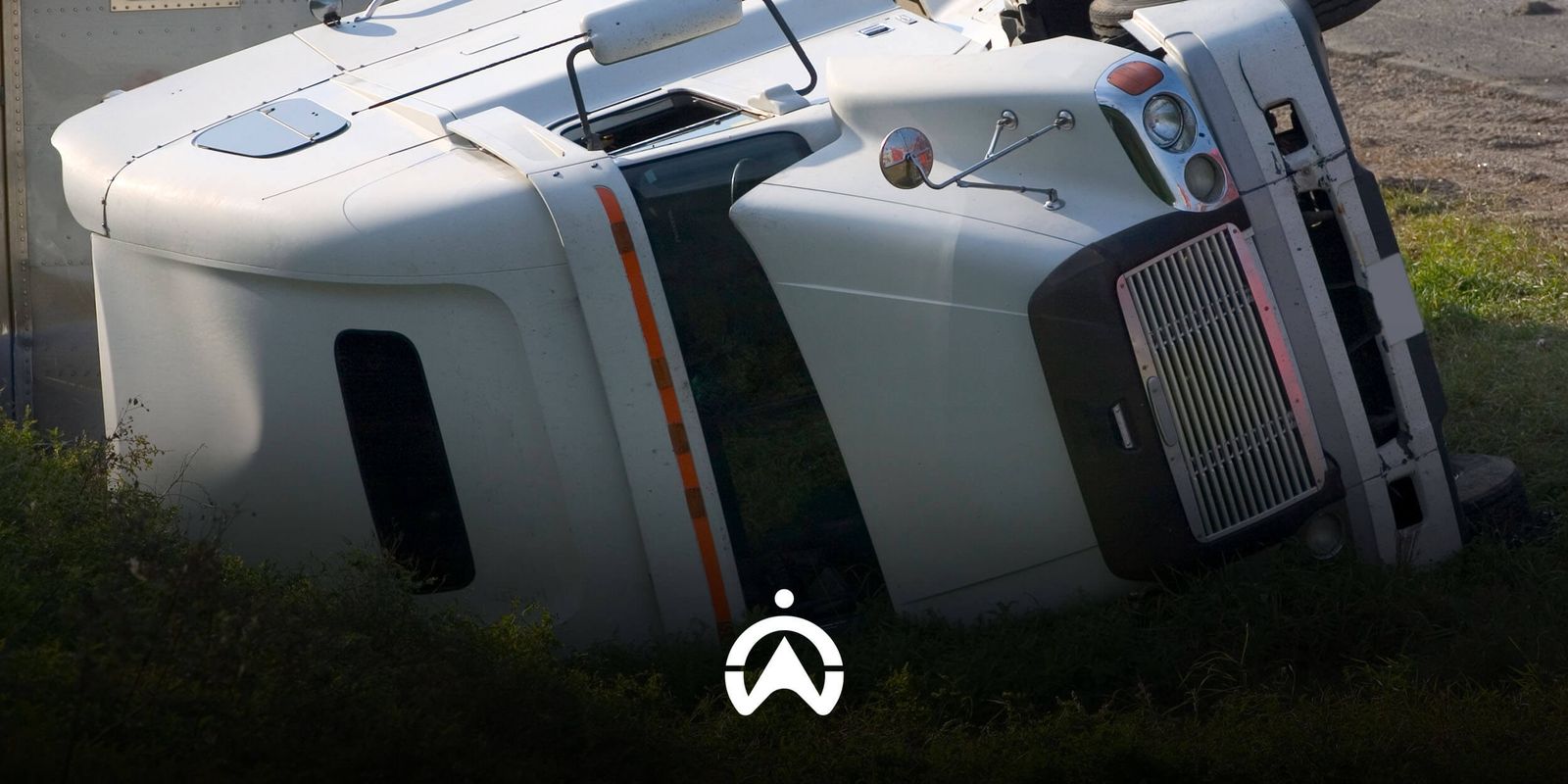
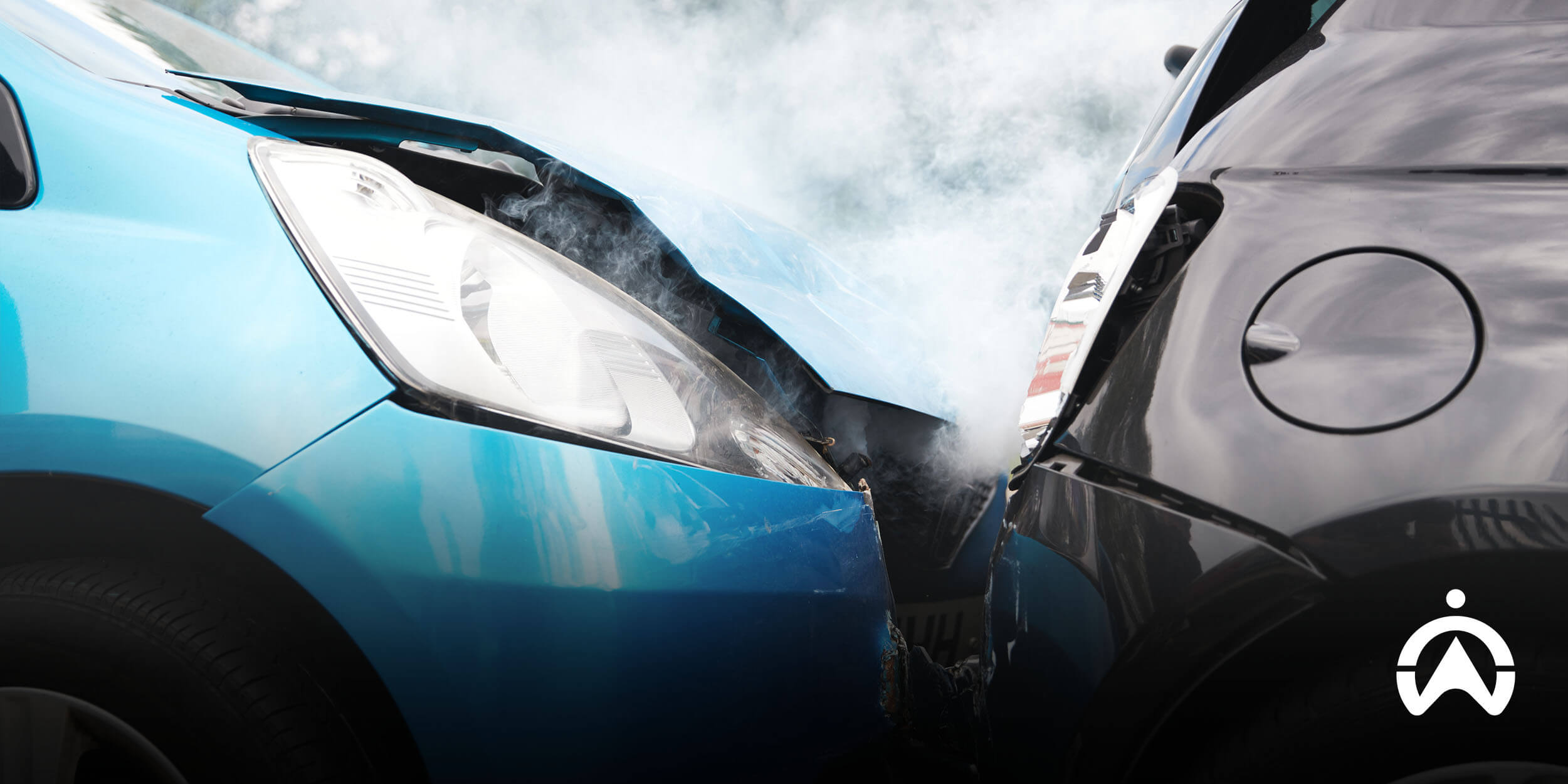
Dashcam Accident Footage: What to Do if You Are in an Accident When You Have a Dashcam

If you’re ever involved in an accident and have a dashcam, you must make sure you get hold of the footage so you can present it as evidence. A good dashcam should clearly demonstrate the events leading to the accident, so you and all other parties involved can establish who was at fault.

Accidents inflict a lot of trauma; everything happens so quickly, and remembering all the details can be quite difficult. With a dashcam by your side (well, your windscreen), you won’t have to stress about remembering everything; it’ll do the reconstructing for you. Your dashcam should be cloud-based so you can retrieve the footage even if the camera itself was compromised in the accident.

These days, it seems the only way to catch the culprit is by showing the police exactly who it was. Dashcams present great benefits for insurers; like a faster claims process. In today’s article, we’ll give you tips on what to do if you’re involved in an accident and have one of our dashcams.

What are the 5 steps to take after a vehicle accident?

The five steps to take after a vehicle accident are:

  1. Check yourself and others for injuries
  2. Call emergency services if possible
  3. Contact your insurance company
  4. Report the accident to the police
  5. Try to recall as much as you can

Following these five steps will ensure that you don’t make any mistakes that might worsen the situation for you.

1. Check yourself and passengers for injuries

Safety first, as we all know. When involved in an accident, the first thing you must do is check if you’re hurt. If you aren’t, you can step out to check on your passengers. Check if they’re responsive by asking questions like, “Are you okay?” This will help you determine how bad the situation is. See if there are any cuts or bruises, and if everyone is fine, then start checking the vehicle damage.

2. Call emergency services if necessary

If there are injuries, call emergency services immediately. Don’t touch the cuts or bruises. If someone can’t move, don’t try to move them, as this might make things worse. Wait for paramedics to arrive so that they can assess the injuries.

3. Report the accident to the police

Most of the time, the police show up in major accidents where people are severely injured or if there are fatalities. If it’s a minor accident where the police aren’t necessarily needed, make sure you go to them as soon as you can and report the accident. Your insurers will require an official police report of the incident or the case number.

4. Reconstruct the accident as best you can

Now this is very important because that’s what’s going to save you from paying for something you didn’t cause. The investigators will need solid evidence of what transpired, and that’s where your dashcam comes in! With a dashcam, the reconstruction process becomes easier because it’ll back up your version of events, proving your innocence. Present the dashcam footage to the investigators as soon as possible.

You should also gather as much evidence as possible by taking as many pictures as you can of both the inside and the outside.

5. Call your insurance company

Most insurers require that you report the incident within at least 24 hours. Once you inform them, present all the evidence you’ve gathered so they’re aware of everything and it won’t take long to resolve your case.


How can you retrieve dashcam footage after the accident?

If you’re with Cartrack, you can easily retrieve the relevant dashcam footage after an accident by either downloading the footage from the Cartrack mobile app or calling in to request that we send it to you. All our dashcams are cloud-based, which means you won’t have to worry about the possibility of lost footage.

Here are more details on how you can retrieve your dashcam footage and what to do afterwards:

Contact Cartrack

Our system allows you to view your dashcam footage directly through our mobile app. But if you’re unable to, then you can call our customer support team at +265 999 971 972 or email control@cartrack.mw and request the footage. You must specify the time and date so you can get footage that’s only based on the events leading to the accident.

Keep the video footage on your phone

Once you get the footage, make sure you keep it safe on your phone under a file you can easily access. Store it on your laptop if you have to, or send it to your loved ones so they can always send it back to you if your phone is acting up.

Send the footage to your insurance

From there you can send the recordings to your insurer to strengthen your version of events and avoid the back-and-forth. The other parties involved will have no leg to stand on once you present solid proof that you’re not liable.

Save the footage in case of a dispute

Don’t delete the video recording after sending it to your insurers. Keep it with you for as long as possible in case the other party wants to dispute your claim. Your footage will serve as evidence in court, giving you the upper hand in your case so you can get the compensation you deserve.

Our dashcams also have GPS and telematics features that you can use to support your claim. They can pick up driving behaviours like speeding and harsh acceleration, and they’ll also give you the exact location of the incident. Using these features, you can prove that you weren’t speeding at the time of the accident.

Why is a Cartrack dashcam subscription service better than a standalone device?

Our dashcam subscription is better than a standalone service because you’ll get:

  • Affordable pricing plans
  • After-sale service
  • Footage that can’t be damaged
  • Cloud-storage

We make everything easy for you so you can enjoy your drives, feel protected, and save some costs.

Here’s how:

Affordable prices

Most entry-level dashcams are affordable. But the good-quality ones? Not so much. At Cartrack, we give you the best of both through our month-to-month subscription. You’ll pay less for a more reliable dashcam. A high-quality dashcam should have HD video resolution so you can see everything clearly. By partnering with us, you get that without denting your pocket.

After-sales support

Unlike a standalone or store-bought dashcam, you’ll have a support team that’s always one call away. If you experience any issues, they’ll be there to help. You’ll also have someone to properly install the camera for you, so you’ll be sure that it’s secure, as opposed to doing it yourself.

Footage can’t get damaged

Our dashcams are built with strong materials so they can withstand extreme conditions. This means the chances of them being compromised by the impact of the collision are very low. There’s less chance of the camera malfunctioning due to impact. Our cameras also won’t be affected by extremely hot or cold weather, ensuring you get the best footage.

You’ll never run out of space

Most dashcams only use SD cards for storage, which isn’t reliable because you’ll constantly need to replace the cards or delete some footage to make space. With our cloud-based dashcams, you won’t have to worry about space because you can always contact us and ask us to add more for you.

Dashcams that only rely on SD cards for storage don’t upload automatically. This means you can’t live-stream or download the footage immediately. They do passive storage, which means you can only see the footage after downloading what’s on the SD card. With us, you can live stream and see everything as it happens.


Which Cartrack dashcams can you choose from?

If you don’t already have a dashcam, we have a few that you can choose from depending on your budget and needs. We have dashcams for personal daily commutes and for fleet vehicles. All our dashcams have live stream options, and you can choose the video quality you prefer.

Our top picks for you!

Road Vision

The Road Vision camera solution is a front-facing camera, meaning it only shows you footage of what’s happening in front of you. It’s our most affordable camera, but still as rigid as the others. This camera is an ideal solution for you if you’re just looking to document your journeys and have evidence that someone caused an accident in front of you.

In a country where a lot of people flee after an accident, with this camera you’ll at least capture footage that’ll reveal the other vehicle’s number plate so you can find the perpetrator.

Dual Vision

With our Dual Vision camera solution, you get one gadget with two cameras inside, recording simultaneously. One camera faces the road, and the other shows the inside of the vehicle and a bit of the rear end. This camera solution will give you more evidence for disputed accidents, as you’ll be able to record incidents from different angels. For example, if someone bumps you from the back, it’ll show.

Let Cartrack help you reconstruct your accidents

Make sure you partner with us so you can get all the evidence you need to perfectly present your side of the story. Our dashcams act as silent eyewitnesses for the days when your word isn’t enough. They’ll be there for you when the unexpected happens. So reach out to us, and get the accident protection you need.

Frequently asked questions about dashcam accident footage

Will insurance ask for dashcam footage?

Yes, your insurers will ask for dashcam footage if they know you have a dashcam installed. This will help them speed up the claims process and can save you costs. If you have a dashcam installed and haven’t informed your insurer, make sure you do because some dashcams are considered car modifications.

Are dashcams self-incriminating?

Dashcams are only self-incriminating if you’re the one in the wrong. Make sure you always adhere to the rules of the road and drive responsibly. Dashcams reveal the truth, so if you’re a good driver, you’ll have nothing to worry about.

Do Dashcams Drain Your Car Battery?

No, dashcams don’t drain your car battery if they’re high quality and have been installed properly. While a dashcam will use battery power while it’s in park mode (meaning the vehicle is off), it shouldn’t drain the battery to the extent that the car won’t start after a while.

If your dashcam is draining your car battery, you may need to get a dashcam that’s better quality. Fake insurance claims make up about 30% of fleet insurance costs and nearly one-third of all claims, but dashcam video can help cut these claims by up to half.

Considering these shocking statistics, isn’t it time you invested in a dashcam for your car? If you’re still not convinced, here are some interesting facts from Cartrack about dashcams, their effect on your car battery, and why you should get one anyway.

Does a dashcam keep using battery power when the car is off?

A high quality dashcam that’s set to park mode will continue to use battery power even when the car is off. However, the amount of power it uses is negligible, especially if the car is being used regularly (because it recharges the battery every time you start the car up).

Still, it’s not recommended that you leave your dashcam on park mode for long periods of time too often. Save park mode for times when:

  • Your car is parked in a place you don’t know well
  • Your car is parked in a public area that’s usually very busy
  • You’re leaving your car unattended for an extended period of time (overnight or for longer than a full day)
  • Your car is parked in an area that’s high risk and known for smash & grab crime

How to preserve your battery when you have a dashcam

To preserve your car battery when you have a dashcam:

  • Use park mode only when necessary
  • Choose a dashcam supplier with a good reputation
  • Have your dashcam installed by a professional
  • Drive your car fairly regularly (to recharge your battery)
  • Check your battery and get a new one every 2 to 3 years

Did older dashcams used to drain car batteries?

Yes, older dashcams used to drain car batteries because they were typically plugged into the cigarette lighter point of the car. They weren’t designed to manage their power supply as well as they do today, and some of these dashcams are still being sold in shops today. Avoid those no-name brand dashcams and rather opt for a good one!

What can cause a dashcam to drain your battery?

A dashcam might drain your battery if it’s old, cheap, or improperly installed. When cars are left parked for long, small power drains do add up because your battery was designed to get a recharge (from driving the car) on a regular basis. If you have a dashcam, it adds to this drain if your car is always off.

How a dashcam affects a car battery.

Facts vs Myths about dashcams and your car battery

MYTH: A dashcam drains the car battery at night

FACT: Dashcams don’t use any power when the car is switched off unless they’re in parking mode. So essentially, when the car is switched off, the dashcam is automatically switched off as well.
‍

MYTH: Parking mode instantly kills your battery

FACT: This is only true for low quality dashcams that have a low initial purchase price and require you to install it or plug it in yourself. High quality dashcams use very little battery power while in park mode.
‍

MYTH: Using a 12V socket is better than hardwiring your dashcam

FACT: A hardwire installation is much better because it includes a voltage cut-off feature that’s actually designed to NOT drain your battery. That’s why a professional installation is so important when it comes to dashcams.
‍

MYTH: Older cars shouldn’t install dashcams because of battery issues

FACT: Having an older car makes no difference to the amount of battery power used by your dashcam (as long as it’s installed properly either way).
‍

MYTH: Hot weather causes your dashcam to drain the battery faster

FACT: Hot weather may have a negative effect on your battery, but this doesn’t become worse just because you have a dashcam installed to your vehicle.
‍

MYTH: You have to disconnect your dashcam after every drive to preserve the car battery

FACT: Modern dashcams don’t require you to remove the dashcam after every drive, as they’ve been designed to switch off automatically every time the car isn’t running.

How long should a dashcam last?

If properly taken care of, a good quality dashcam can last around 3 to 5 years—and sometimes even longer. But some people are put off from buying dashcams because they once had a bad experience with a low quality device that packed up after a short period. Always choose a dashcam that comes with a warranty.

Cartrack’s dashcam comes with a 1-year warranty which can be extended for a small additional monthly fee. Call us to find out more!

What things DO drain your car battery?

Dashcams don’t make it high on the list of things that drain your car battery, so what things DO actually drain your battery? Compared to dashcams, these are far more likely to drain your car’s battery:

  • Those small lights on the inside of your car that light up your boot and the seat areas drain a lot more power than a dashcam does.
  • In-cabin TVs and music devices can’t be used for as long as a dashcam while the car is off, because they drain your battery relatively fast.
  • Playing your radio while the car isn’t running can quickly drain your battery. Even if it doesn’t, it contributes much more heavily to the wear & tear of your car battery compared to a dashcam.
  • Hot weather (and often very cold weather too) will wear your battery down and drain it over time. Having a dashcam does NOT exacerbate this common issue.
  • Did you know that most cars nowadays have a computer called an ECU? This computer system is continually in stand-by mode, which drains your battery unless you start your car and let it run every once in a while.

How will you know if your car battery is being drained by your dashcam?

If you’ve bought a dashcam that’s either cheap or installed incorrectly, you can tell if it’s draining your car battery by looking out for these signs:

  • There’s a slight delay in your car starting
  • The starter motor won’t engage after being parked
  • Parking mode won’t switch off
  • Your dashcam displays a warning light

You may also find that your car’s electronic features function better when the dashcam has been unplugged. If this is the case, there’s something wrong with the dashcam you have, or it hasn’t been connected properly. You should also listen out for clicking or buzzing sounds coming from your dashcam, which could indicate a perpetual drawing of power from your car battery.

Car dashcam connected to vehicle power system

Where can you get a dashcam that best preserves your car battery?

To get a dashcam that DOESN’T drain your car battery, make sure you purchase from a reliable supplier. You should also get that supplier to handle the installation for you. If they don’t include this as a service, it’s best to go to a supplier that does, since this will form part of your warranty.

Why choose Cartrack as your next dashcam supplier?

Cartrack stands out as a phenomenal dashcam supplier because they tick all the right boxes we’ve already discussed in this article:

  • Our cameras are high quality
  • Our dashcams don’t drain your car battery
  • They’re designed for a Malawian vehicle market
  • They come with a 1-year warranty
  • That warranty can be extended if you choose to do so
  • We handle the installation and stand by the professionalism of that installation
  • We offer a monthly subscription that manages your dashcam footage
  • We also offer other safety services like vehicle tracking and anti-theft strategies

Give our consultants a call if you want to know more about the dashcams from Cartrack and how they preserve your car battery even when you use park mode frequently.

Frequently Asked Questions

How long does a dashcam battery last?

The battery of a dashcam doesn’t last very long (usually only a few minutes). The purpose of a dashcam battery is to save the last video footage before the car turns off. Dashcams are designed to run off the power of the car, and should be designed to get the majority of their power from your car’s battery.

Where is dashcam footage stored?

Dashcam footage is large, and should be stored via cloud storage solutions. Some dashcams do come with internal or add-on memory, but these are doomed to fill up so quickly that they’ll hardly be worthwhile. The best solution for storing dashcam footage is cloud based, which is why Cartrack dashcams come with a monthly subscription.

Can having a dashcam lower my insurance premiums?

Yes, having a dashcam can encourage insurance companies to lower your insurance premiums. Having evidence in the form of video footage of an incident makes resolving claims a lot quicker and less expensive. It can also save them on costly legal fees, which will usually prompt them to acquiesce to your request for a lower premium.

Do dashcams record the front and the back of my car?

Yes, there are dashcams that record the front and back of your car, but not all standard dashcams have this ability. If you want a front-and-rear-facing dashcam, speak to a professional dashcam supplier like Cartrack about getting one that preserves your car battery and gives you clear, high-definition footage of both the front and the back of your car.

Can I upload my dashcam footage on YouTube in Malawi?

Yes, it’s perfectly fine to upload footage of an incident on YouTube, but there are some precautions you should take to protect yourself from a legal perspective. First, make sure you blur the faces of people as well as their number plates. You should also blur out any distinguishing identifiable things like driver’s licenses and names on forms.

Should I divulge my dashcam if I’m in an accident?

Yes, if you find yourself in an accident and someone starts arguing with you about who is to blame, you can choose to divulge that your car has a dashcam. This isn’t necessary though, but it is better than allowing the other person to make an untrue claim about what happened only to disprove it in court.

What if my dashcam is damaged in an accident?

If your dashcam is damaged in an accident, the footage recorded on the memory card will likely remain intact. But dashcams that use cloud storage are a much safer bet, since the footage is automatically stored and managed, and can be easily accessed by request.

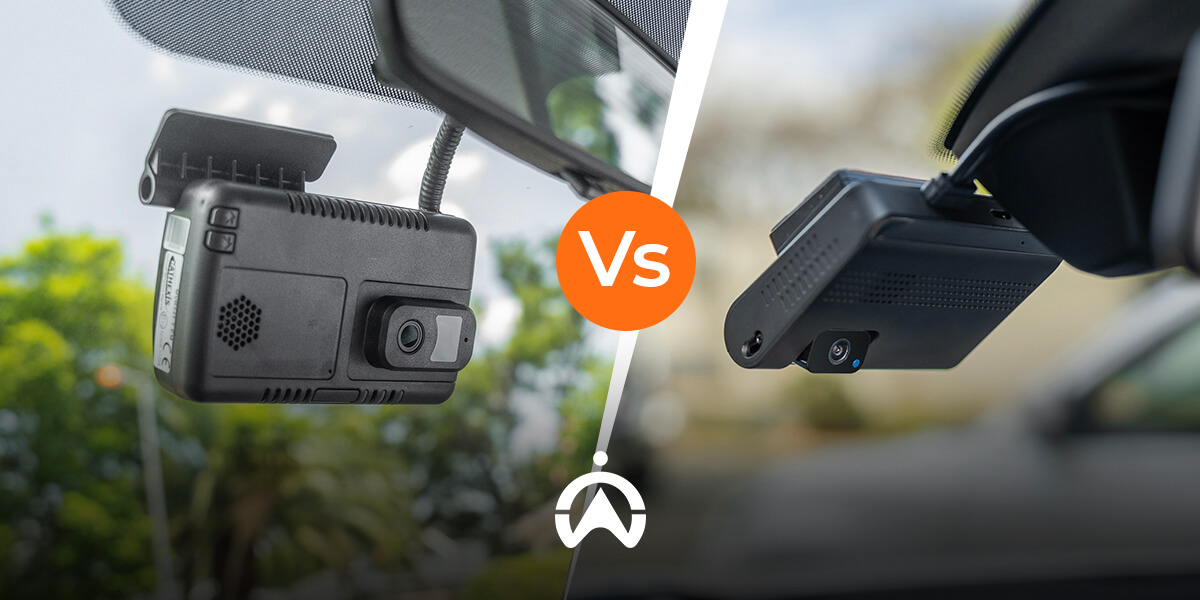
AI Dashcams vs. Standard Dashcams: Which One Should You Choose?

The dashcam you choose between AI dashcams vs standard dashcams should go with your specific needs. Standard dashcams are for simple video recording; they mainly serve as passive recording devices for digital evidence purposes. AI dashcams, on the other hand, are for advanced safety features. They’re for proactive safety enhancements and provide detailed analytics for fleet management.

A survey by Marc Brown Law Firm reveals that 20% of the vehicle owners said their footage was helpful for completing insurance claims, while 12% used their recordings to support legal cases. One respondent even shared a story of how a dashcam uncovered unexpected damage during a service visit. This proves how valuable dashcams are for both businesses and individuals.

Choosing between a standard dashcam and one that’s AI-powered requires you to know exactly how the features work. We’re here to break it down for you and help you make the choice that’s best for you.

AI dashcams vs. standard dashcams at a glance

Weighing AI dashcams vs standard dashcams requires you to know their specifications and understand the purpose of each function. To make the right decision, you must compare things such as:

  • Features
  • Cost
  • Safety benefits
  • How easy they are to use
  • Data insights

The dashcam should also be easy to use, so you or your drivers can have a smoother experience.

Here’s a quick table overview of the differences between standard dashcams and AI dashcams:

Category AI Dashcams Standard Dashcams
Features Uses smart tech to detect risky driving and alert the driver Records video of trips without smart alerts
Cost Higher price due to advanced features Lower price and simple setup
Safety benefits Helps prevent accidents with real-time alerts Provides video proof after an accident
Ease of use Needs app connection and setup Easy to install and use
Ideal user Fleet owners or safety-focused drivers Everyday drivers who want a simple recording
Data insights Tracks driver habits and creates safety reports Only records footage without reports

Understanding standard dashcams

Standard dashcams are vehicle-mounted cameras that are solely created for continuously recording video footage for evidence purposes. Most standard dashcams don’t provide driver feedback or offer any form of driver analytics. They’re usually affordable for the average person, but have limitations when it comes to addressing modern safety challenges.

Understanding AI dashcams

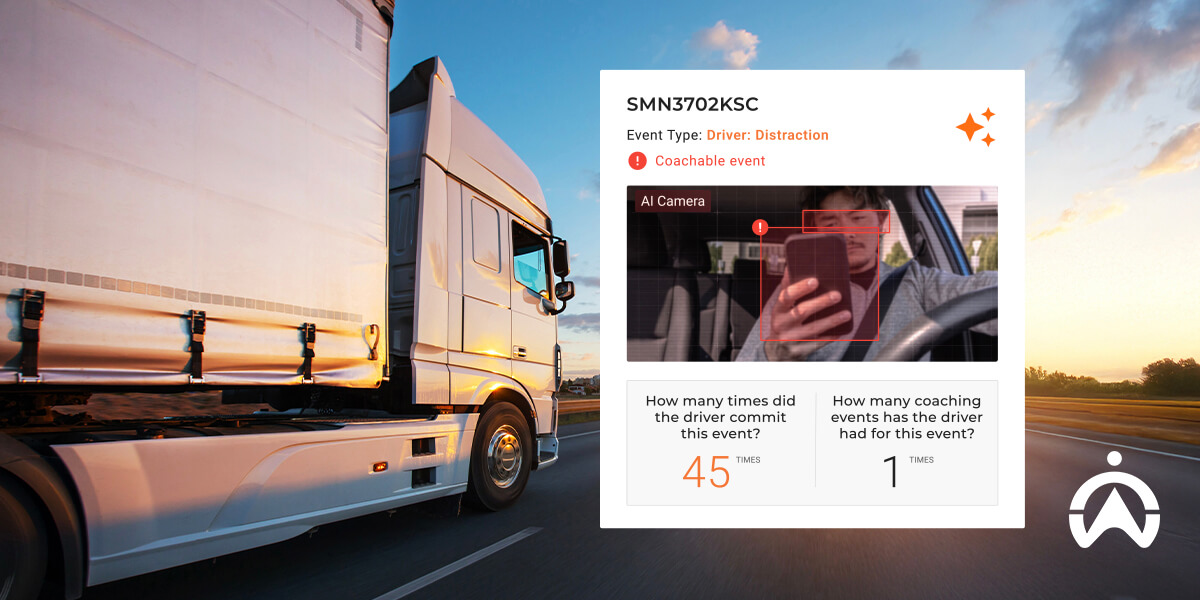
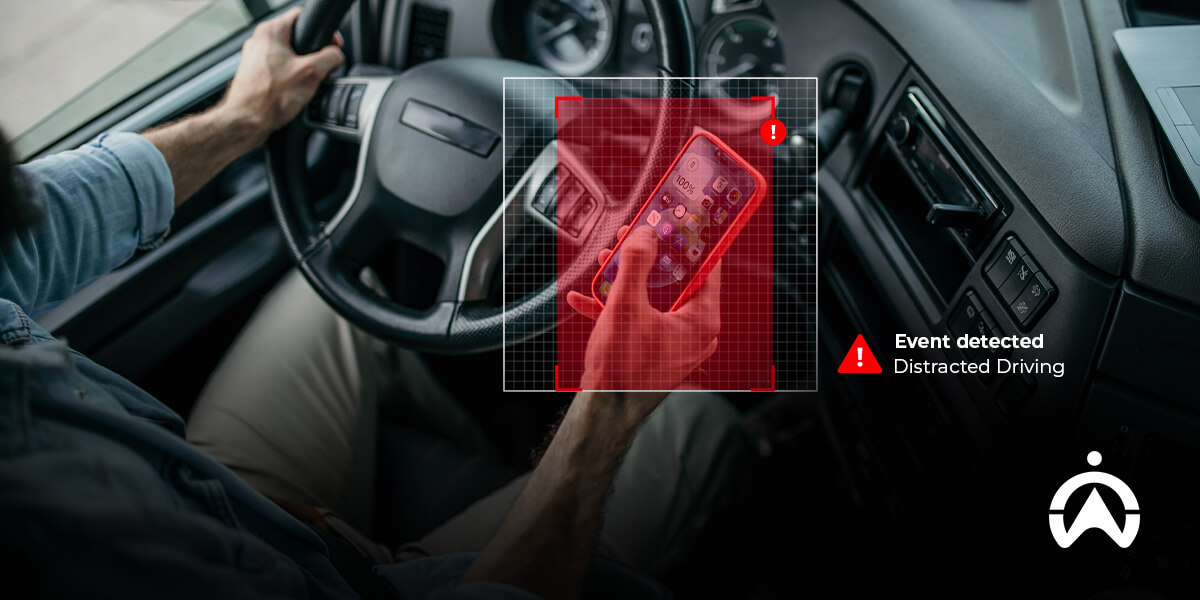
AI dashcams use advanced artificial intelligence algorithms to analyse footage in real time. Unlike standard dashcams, they process the data on the spot to identify risky behaviour and give out immediate alerts. They can detect objects such as other vehicles, road marks, and traffic lights. They can also identify safety hazards, such as distracted driving or when a driver doesn’t have his or her seatbelt on.

AI dashcams provide detailed analytics on driver behaviour patterns. Due to the advanced features and complex build, these dashcams typically come at a higher cost compared to the standard ones.

Which dashcam is right for you?

If you mainly use your car for commuting to work, running errands, or going on trips, then a standard dashcam is most likely all you need. It’ll give you reliable video evidence if you’re ever involved in an accident or some sort of dispute that happened on the road. It’s also budget-friendly and easy to operate, making it an ideal solution for everyday personal drivers.

Families often appreciate some added protection. Some parents want to monitor how their teenagers behave when using their cars, and dashcams are the best way to go about it. If you’re one of them, you can either livestream footage of a standard dashcam or get an AI dashcam to ensure your kids get alerts when practising risky driving habits.
Running a fleet requires constant driver monitoring. For that reason, an AI dashcam is strictly what’s needed. The features of an AI dashcam are particularly useful for fleet management as they enhance driver safety, boost efficiency, and encourage accountability. Since these cameras provide behavioural insights, they can be used to coach drivers, encourage safer habits, and protect cargo from damage.

A semi-truck drives on a highway, with a dashboard display showing driver distraction event statistics.

How dashcams can save you money

Dashcams save you money by providing you with enough evidence to prove your innocence to clear insurance claims. They also help you avoid costly disputes with other drivers. AI dashcams assist in reducing the chances of accidents, which reduces the frequency of fleet repair costs.

Reduce insurance claims with clear accident evidence

Frequent accident claims result in high premiums. Dashcams provide clear footage that helps you avoid insurance payouts. False insurance claims are on the rise. Car insurers are facing rising numbers of claims for theft and damage. You could fall victim to this, so a dashcam is your best bet at protecting yourself or your business from such a situation.

Avoid costly disputes with other drivers

Chances of being in an accident are high, no matter how cautious you are. After an accident, it’s your word against the other driver’s, and a dashcam is the fastest way to prove your innocence. It prevents the long-winded and costly legal disagreements about who was at fault, saving you time, reducing the cost of legal fees, and protecting your business from heavy fines.

Lower fleet operating costs

As a fleet manager, you want to save costs in all ways possible so the business can be profitable. The safer driving habits that are enforced through AI dashcams lead to your drivers being involved in fewer accidents. Fewer accidents mean less money spent on unexpected repairs and less unplanned downtime. This improves productivity and reduces overall operational costs.

Explore our range of dashcams and choose the right one for you

Whether you need a standard dashcam or one with AI technology, Cartrack caters for it all. Our dashcams come with GPS tracking capabilities. This means you not only see what people get up to, but you also always know the location. They also provide telematics insights, meaning you’ll receive reports of driving behaviours such as speeding, harsh braking, and harsh cornering.

Here are our top three dashcam cloud-based solutions for individuals, families, and fleets:

Road Vision

Cartrack’s Road Vision camera solution is a single-channel dashcam, which means it only faces the road, as the name suggests. The Road Vision camera is perfect for those who want dashcams solely for recording road incidents during daily commutes. It had high camera quality that captured important details such as number plates or billboards from afar.

Dual Vision

This dual-channel in-vehicle camera solution which means there are two cameras in one gadget that record simultaneously. One camera gives you a view of the front, and the other covers what happens inside the vehicle and a bit of the rear end. It’s also perfect for those who want an all-round view of footage, such as parents who want to monitor what their teenagers get up to while driving.

AI Dual Vision

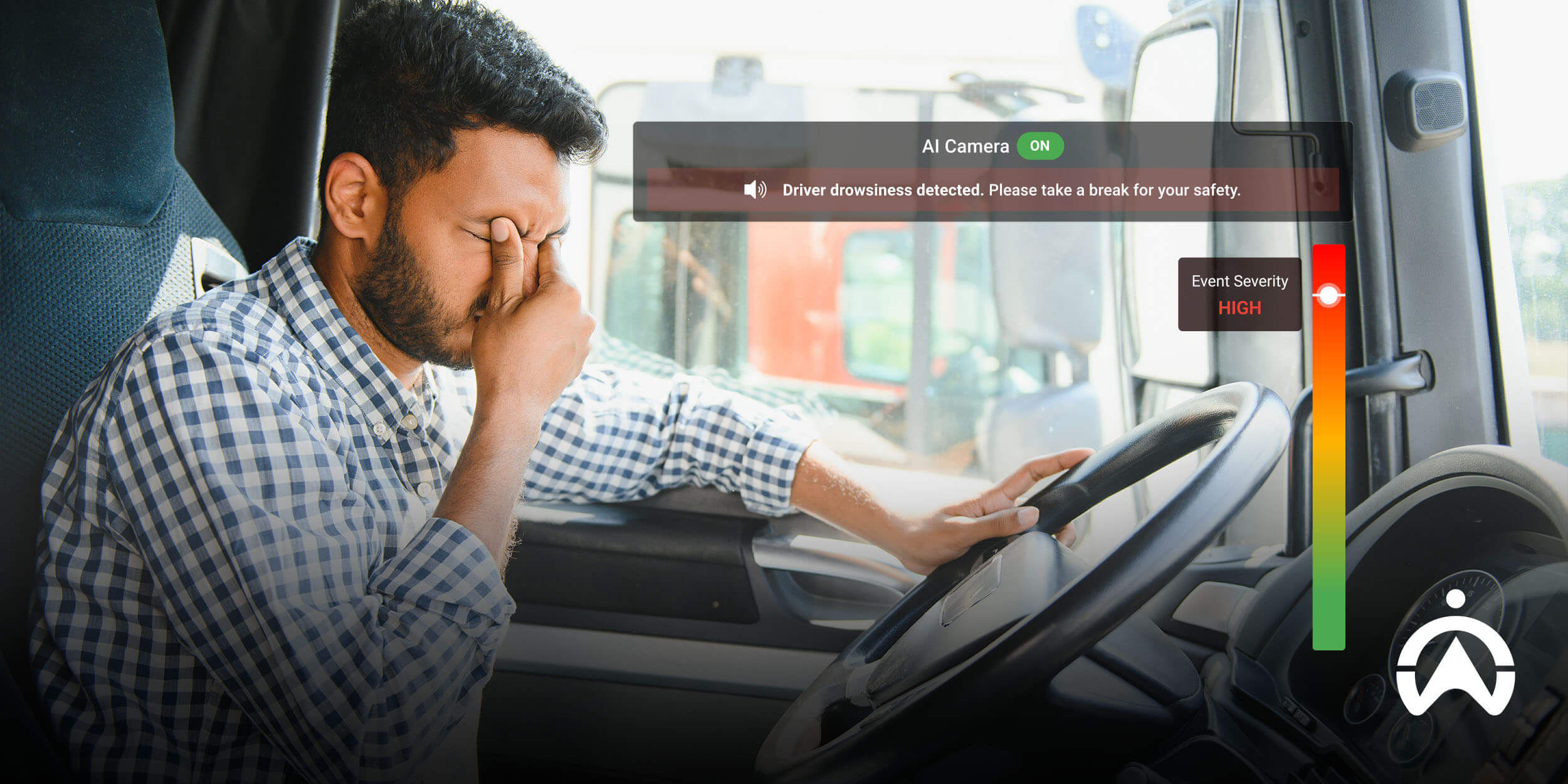
Cartrack’s AI Dual Vision camera solution is yet another dual-channel dashcam, but more advanced as it’s AI-powered. It can detect distracted or risky driving behaviours such as an unbuckled seatbelt, drowsiness, yawning, cellphone use, and smoking. It also releases immediate audible alerts once such behaviours are detected, so the driver can quickly correct their actions.

The AI Dual Vision camera further enhances driver awareness by being able to detect and give warnings of blind spots or when drivers aren’t keeping a safe following distance. This is a must-have for fleet vehicles of any kind.

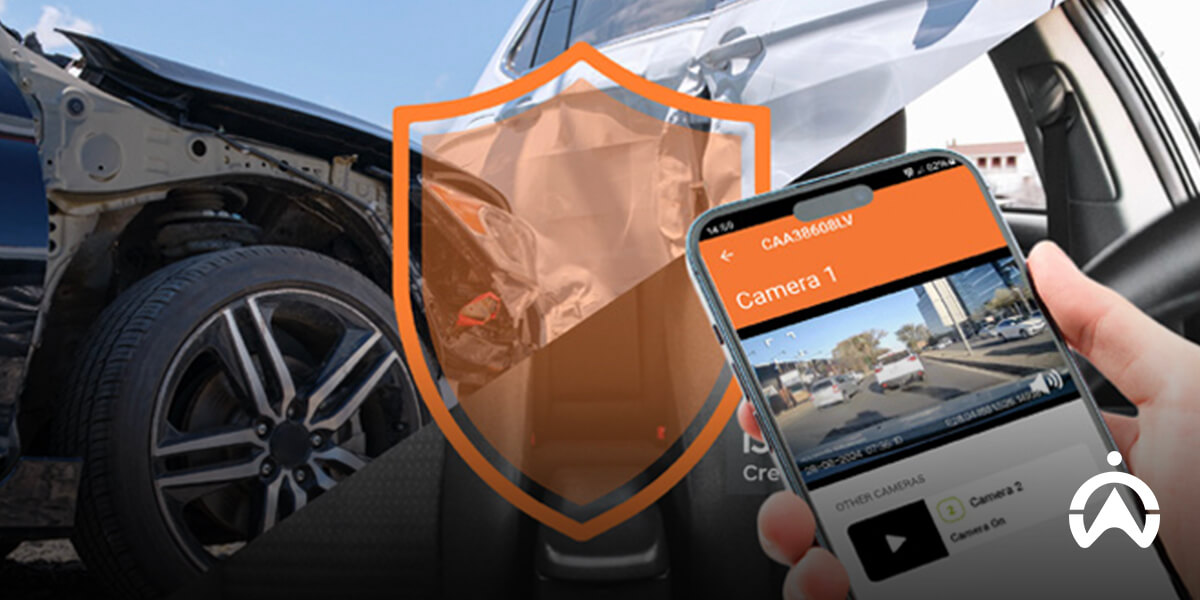
A damaged car with a shield overlay, alongside a smartphone displaying live video from a dashcam. Highlights vehicle protection solutions.

Myth vs fact – what drivers get wrong about dashcams

Common misconceptions about dashcams are that they’re:

  • Easy to install
  • Too expensive
  • All capable of recording in the same way

Whether you’re considering a standard dashcam or an AI-powered one, it’s important to separate the facts from the myths so you can make an informed decision.

We’re here to clarify these myths and give you actual information about dashcams. Have a look:

Myth 1: Installing a dashcam is easy

Fact: Most dashcams are easy to install and come with DIY installation options. However, a professional installation ensures correct positioning and wiring, so your dashcam works seamlessly. With a professional dashcam installation, you’re less likely to encounter issues such as your dashcam falling off when you need it the most.

Myth 2: Dashcams are too expensive

Fact: Dashcams are very affordable. There are companies that offer month-to-month payment plans to cater for everyone’s budget. Furthermore, dashcams can save you more money long-term through lower insurance premiums, fewer accidents, and reduced repair costs. This makes the cost a small trade-off for the long-term rewards.

Myth 3: All dashcams record the same way

Fact: Not all dashcams capture footage equally. Standard single-channel dashcams record only the front view, while dual-channel models record both the front and rear of the vehicle. AI dashcams go a step further by analysing footage in real time to identify risky driving behaviour and potential collisions. Some dashcams also have higher quality video resolution, providing clearer, more detailed footage.

Start improving driver safety today with Cartrack dashcams

The choice between a standard dashcam and one that’s AI-powered depends on your budget, purpose, and desired level of safety. We have camera solutions that cater for various situations, making us your go-to dashcam provider.

With Cartrack, you get good-quality dashcams without denting your pocket, as we offer affordable month-to-month payment plans no matter which one you choose. Contact us today to stay safe on the road and save on unexpected costs.

Frequently Asked Questions

Do dashcams drain car batteries?

Yes, a dashcam can drain your car’s battery, especially if left in parking mode while connected to a constant power source. Some dashcams have accessories such as dedicated battery packs or hardwire kits with voltage cutoff features, which prevent vehicle battery drainage. Dashcams that automatically switch off once your car is off are the best way to avoid battery drainage.

Do I need GPS on a dashcam?

No, GPS is not strictly required on a dashcam, but it’s highly recommended. It adds valuable information to your evidence, such as location and speed. This can be crucial for disputing speeding fines, making insurance claims, and resolving accidents. A GPS-enabled dashcam offers a more comprehensive, verifiable record of events.

How to choose the right dashcam?

To choose the right dashcam, you must first determine your budget and the features that are most essential to you. Consider features such as HD resolution, a wide field of view, low light performance, GPS tracking, and cloud storage. The model you choose should have a robust build so it can withstand extreme weather conditions and impact from accidents.

Will my insurance go down if I have a dashcam?

A dashcam does not directly reduce your insurance premiums. It helps you prove your innocence during accidents, which reduces the frequency of insurance payouts. This saves you from post-claim insurance increases, as insurers will see you as less of a risk, therefore saving you a lot of money in the long run.

Does a Dashcam Record When the Car Is Off?

No, most dashcams turn off with the ignition, so they stop recording once the car is off. But some advanced units have systems that can detect movement or impact and will record even when the car is off. This means it’s possible to get more security for your car when it’s most vulnerable.

Cartrack’s dashcam solutions give you the peace of mind you need. While our cameras don’t record continuously when the vehicle is off — typically for only up to five minutes — they remain in standby mode for up to two hours after the ignition is switched off. During this time, you can access your mobile app and switch the camera on to livestream, so you know your car is still protected while parked. You can also request footage if necessary.

Can dashcams keep recording when your car is off?

Although most dashcams don’t record unless the car is in motion, yes, some dashcams with advanced features can keep recording when your car is off. These features essentially draw on motion or G-sensors (gravity sensors) to capture triggering events, like motion or collision. Captured events make sure your car is extra protected, even when you’re away from it.

Keep in mind that there are some limitations. Dashcam recording while the car is off relies on the power of your car battery, putting a drain on it. This means that recording is limited by power and storage capacity.

How do dashcams work when the car is on?

When the car is on, dashcams work by either recording continuously while driving or recording only when triggered by an event, such as motion or collision.

Here’s a bit more about how dashcams work:

  • Power source: Dashcam systems are usually connected to the car through hardwiring, though there are portable wireless options too. Hardwired systems are directly connected to the car and its battery, or connected via the 12V socket. The 12V socket is also known as the cigarette lighter or auxiliary power socket.
    ‍
  • Storage: Footage is stored on SD or SSD cards. SD stands for Secure Digital, which is the standard memory card type. SSD stands for Solid-State Drive, which is a larger and faster memory card. Some dashcams support cloud storage as well.

How long does a dashcam record when the car is off?

The amount of time your dashcam can record when the car is off depends on a few factors that include battery capacity, storage limits, and the dashcam type.

Let’s break this down:

  • Battery capacity: Portable dashcams with internal batteries won’t last as long as hardwired systems, which can record for far longer.
    ‍
  • Storage limits: SD or SSD card capacity typically won’t have as much space as cloud storage. The amount of space dictates how much footage can be stored before it’s overwritten. Cartrack’s camera footage is stored on the SSD/SD card; only manually requested footage is stored on the cloud.
    ‍
  • Type of dashcam: Standard dashcams have shorter recording times or are typically event-triggered devices. While some professional cameras or MDVR (mobile digital video recorder) solutions are designed for long-term recording, Cartrack solutions prioritise efficiency and safety, with cameras remaining online for up to two hours after the ignition is off.

Cartrack dashcam solutions strike a perfect balance between strong protection and powerful efficiency. Storage space—and therefore recording time—differs depending on the camera system, but you can rest assured that key incidents will be captured.


Dashcam features that enable recording while parked

Dashcam features that enable recording while parked include motion detection, impact sensing, battery power, and recording and storage management. These features are designed to work hand in hand to keep your car as protected as possible, especially when you don’t have eyes on it.

Take a closer look at each of the features:

  • Motion detection: This is when your dashcam automatically starts recording when movement is detected near the car. Motion detection can catch any criminal and theft attempts on your car, or even small bumps in the parking lot.
    ‍
  • Impact detection/G-sensor: This is when the G-sensor is triggered by a collision or rough impact. The camera records automatically once that event has been detected.
    ‍
  • Battery pack or hardwiring: Keeping a camera running can drain your car battery.  External power options can help prevent car battery drain, although this option is far more niche. Hardwired options are a little more common. Standard or entry-level dashcams typically switch off with the ignition.
    ‍
  • Loop recording and storage management: Dashcams will usually overwrite the oldest footage when the storage gets full. This is how your dashcam continuously records without losing footage or having you delete footage manually.

At Cartrack, we don’t use external battery packs. Instead, we provide transparent safety measures, like the Power Extension Form, so you know exactly how extended recording could impact your vehicle’s battery.

Dashcam battery drain explained: What happens when your car is off?

When your car is off and the dashcam is recording, it drains your car battery. Your dashcam relies on your car’s battery for power, so if it runs too long, it can eventually weaken it. However, most modern dashcams do have some safety features in place to ensure your battery isn’t compromised.

These are some general safety features you might expect from advanced camera solutions:

  • Hardwired options: This dashcam connection links directly to your fuse box. It typically switches the dashcam off as a safety precaution if the voltage becomes too low.
    ‍
  • External battery packs: This connection type is still quite niche, but it is slowly making its way into the market. This is a completely separate power source that doesn’t rely on your car battery.
    ‍
  • Low-voltage warnings: This is one of the more common safety precautions. This measure ensures that your dashcam is switched off before the integrity of your car battery is compromised or so drained that your car won’t start.

Our Cartrack tip? Always make sure your dashcam is installed by a professional to avoid any damage to your car’s battery. Partner with a provider that’s clear and transparent about battery drainage and any other potential effects a dashcam may have. At Cartrack, we have the Power Extension Form, which ensures you’re fully aware of how extended recording may affect your vehicle’s battery.

How to choose the right dashcam for consistent recording

To choose the right dashcam for consistent recording, consider a few key factors to look out for:

  • Resolution
  • Smart features
  • Battery solution and
  • Storage type

Always remember that it’s more than just the brand or price. Getting the right mix of features is the key to achieving absolute protection for your car.

Here’s a little more on each of these key factors:

Resolution

A higher resolution means that events are captured in crisp video quality. This is important for key details in potential accidents or insurance matters, like clearly capturing number plates. Keep in mind, though, the best quality is usually from saved, recorded footage; livestreamed footage will typically be lower quality.

Smart features

See if the camera solution has any motion detection or AI features. If available for personal vehicles, they can be great add-ons that provide extra security.

Battery

Understand what the camera solution uses as a power source. Ask your potential provider what safety precautions are in place for your car battery and how they’re willing to help you in this regard.

Storage type

Find out what type of storage your provider offers with their dashcam solution. You’ll typically have to choose between an SD card, an SSD card, and/or cloud storage.

Why consider Cartrack as your provider choice? Cartrack has a dashcam solution for every kind of driver. Some of our dashcam solutions allow for recording when the car is off, with up to 2 hours of standby and livestreaming protection.


Why Cartrack is the top choice for overall dashcam protection

With Cartrack, you and your car remain protected at all times—whether you’re on the road or in the parking lot. Our dashcams are built to tend to your unique needs and record all the crucial events, meaning that you can have peace of mind even when you’re not around.

After the ignition is switched off, the cameras will continue to record footage for five minutes. All cameras are online (in standby mode) for two hours after the ignition is off to enable you to request footage and livestream. Remember, this isn’t two hours of continuous automatic recording — it’s availability for requests or streaming.

Manually requested trip footage is uploaded to the cloud once the car is back on. This is the only footage stored on the cloud, and it’s accessible to you via the mobile app. 

If you’d like the camera to continue recording for longer than five minutes, you can request this. To remain transparent and effectively manage battery strain, we have a Power Extension Form. This acknowledges that you’re aware that extending the duration will drain the vehicle’s battery.

Trusted by individuals and businesses alike, you can turn to Cartrack for your complete safety and security.

Keep your vehicle protected with Cartrack

A good dashcam can keep recording even when your car’s off, giving you extra peace of mind while it’s parked. Cartrack’s smart dashcams bring together advanced detection, reliable and extended protection, and professional installation, so it’s easy to keep your car safe.

Don’t leave your car unprotected. Explore Cartrack’s range of smart dashcams today and experience premium security at your fingertips. Contact us to check out our dashcam solutions.

FAQs

Q: Do dashcams record conversations when parked?

A: Most dashcams don’t record conversations when parked, although a few models do capture audio. Typically, dashcams will only record audio when the car is in motion. If this feature is important to you, check with your provider to see if those specifications are offered. Cartrack dashcams are designed to focus on video for your security rather than audio recording.

Q: Can a dashcam damage the car battery if used for 24-hour recording?

A: Yes, a dashcam can damage the car battery if used for 24-hour recording, though it’s usually only the case if there are no precautionary measures in place. Some providers might offer external power sources or use a hardwiring kit, but typically, low-voltage measures are there to prevent battery compromise.

Q: How do I know if my dashcam is recording when parked?

A: You know that your dashcam is recording when parked if there’s a blinking/on light or notification via the connected mobile app. On the other hand, you can look for motion alert notifications that’ll let you know your camera is working.

Q: Are there dashcams that work for long-term parking security?

A: Yes, some dashcams work for long-term parking security, and these are dashcams that offer what’s usually referred to as ‘parking mode’. Cars that require long-term surveillance use a hardwiring kit to connect to your car’s fuse box. This lets them draw power safely and prevents the battery from draining too much, thanks to built-in voltage cut-off protection.

Dashcam for Cars That Is Worth Buying

Driving on Malawi roads has become an extreme sport for many. If you’re not dodging potholes or avoiding accidents, you might be dealing with road rage or even facing the possibility of vehicle theft or vandalism. Given these challenges, the importance of recording incidents becomes increasingly vital. That’s precisely where dashcams prove invaluable.

Dashcams are essential in modern driving for their role in capturing everything. Today, we discuss why these vehicle-mounted cameras are worth the purchase.

In this article, you will:

  • Find out if dashcams are worth the investment
  • Learn what makes a dashcam a good buy
  • Compare dashcam types
  • See why you need one of the Cartrack dashcam solutions

Is a dashcam really worth the investment?

From safety to accountability, there’s a lot to gain from installing a dashcam. Let’s have a look at the primary benefits of dashcams for Malawian drivers:

  • Protection against insurance fraud and false accident claims
    Insurance fraud is on the rise. There seem to be more and more cases of staged accidents and fake repairs. An article by the Malawi Institute of Journalism states that the insurance industry in Malawi reported an operating/underwriting loss of K2 billion in 2023. Fraud (especially false claims) was cited among several contributing factors. They also state that this type of crime occurs in every line of insurance, including motor insurance.

    A dashcam can be your saving grace when it comes to these types of incidents. Helping prove that you were not in the wrong and that the accident was staged.

  • Evidence in the case of a hit-and-run or road incident
    It is no secret that Malawi has high road accident rates. No matter how careful you are on the road, falling victim is inevitable. It gets worse when the other person claims you were at fault or doesn’t stop to attend to the scene, leaving you with no trace and no chance to lay a charge.

    A dashcam will be your most reliable and unbiased eyewitness on the road. With this gadget, you can identify vital details to trace perpetrators of hit-and-run accidents (such as the number plate), and you can prove that you were not at fault.

  • Reassurance for everyday drivers, families, and business owners
    Besides identifying criminals and proving innocence, dashcams reassure many parents, guardians, and business owners that everything is well on the road. You can check up on anyone using your car at any time by simply viewing the footage, giving you extra peace of mind.

The real cost savings vs. what it would cost without one

Having a dashcam will only cost you an upfront price or subscription fee, but driving around without one exposes you to greater financial risks. Without video evidence, some repair costs may have to come from your own pocket, as insurance claims can be delayed or denied. You also face increased premiums if found at fault.

Furthermore, if the case cannot be settled through insurance or informal negotiations, it may escalate to legal proceedings, which you will have to pay for. Why go through all that when you can just get an affordable and reliable dashcam?

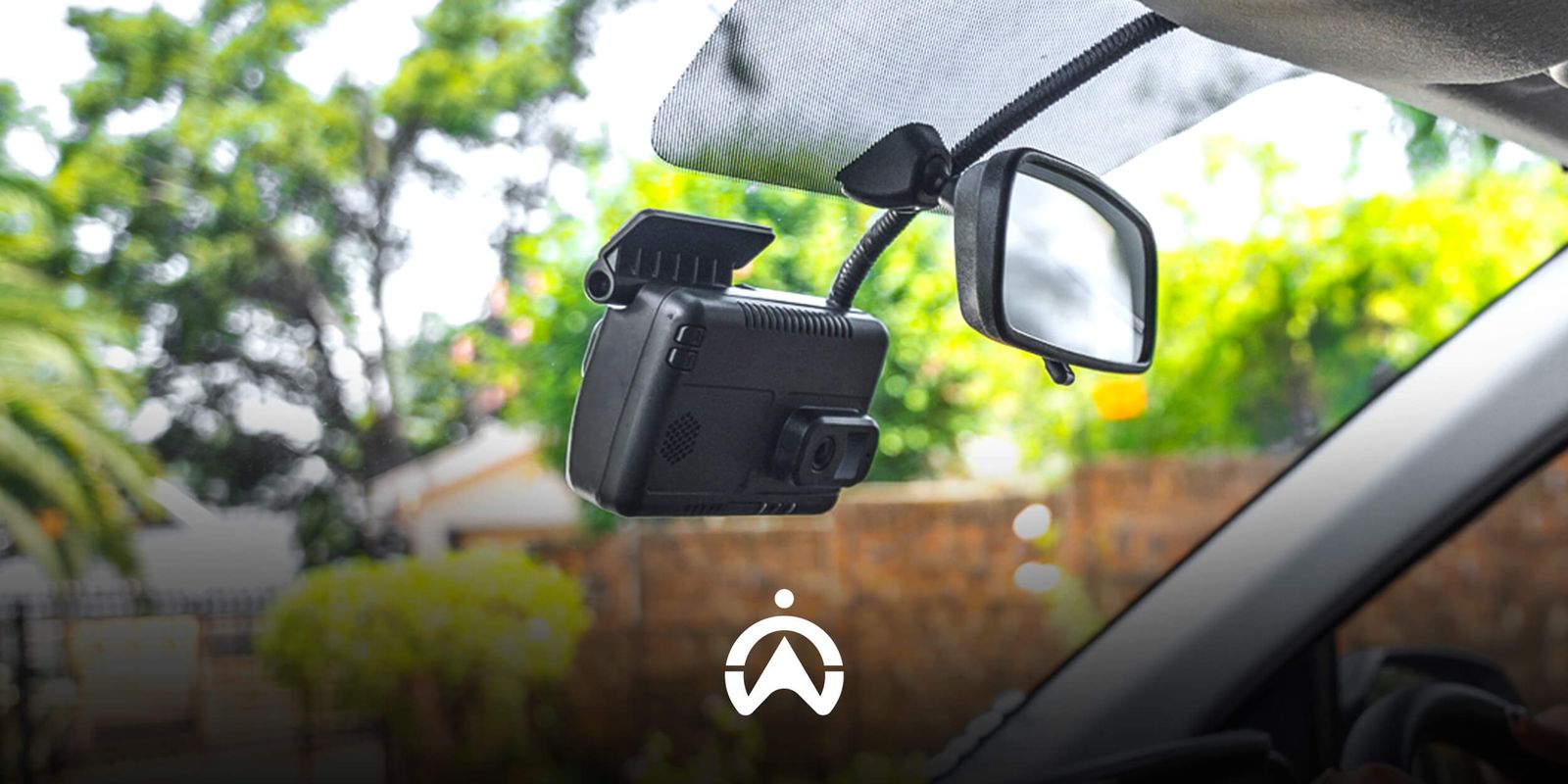
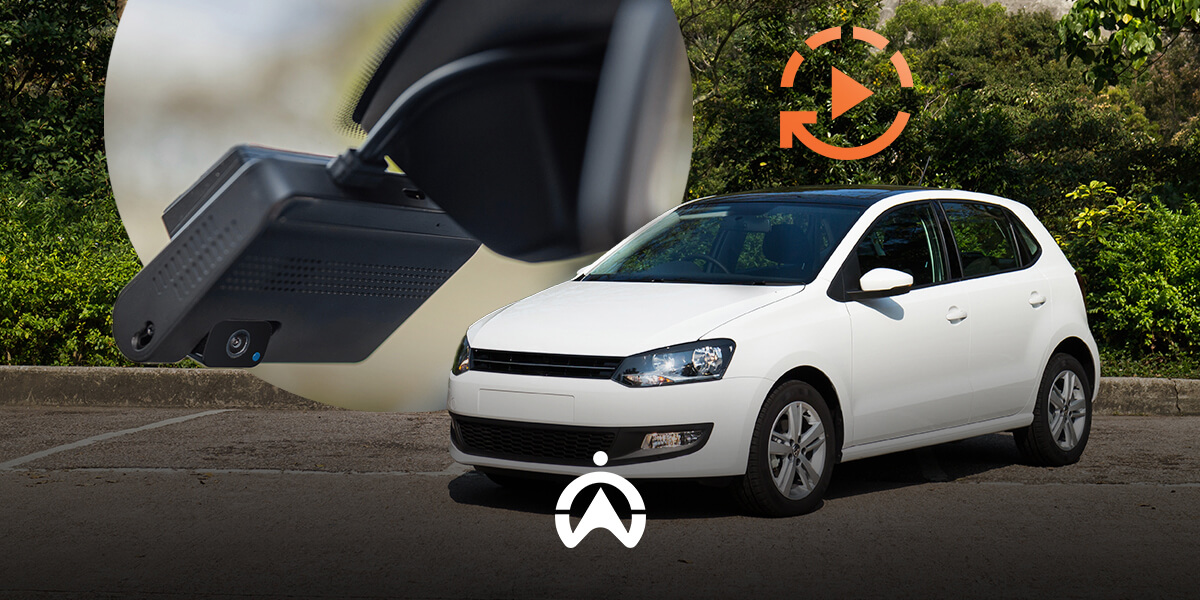
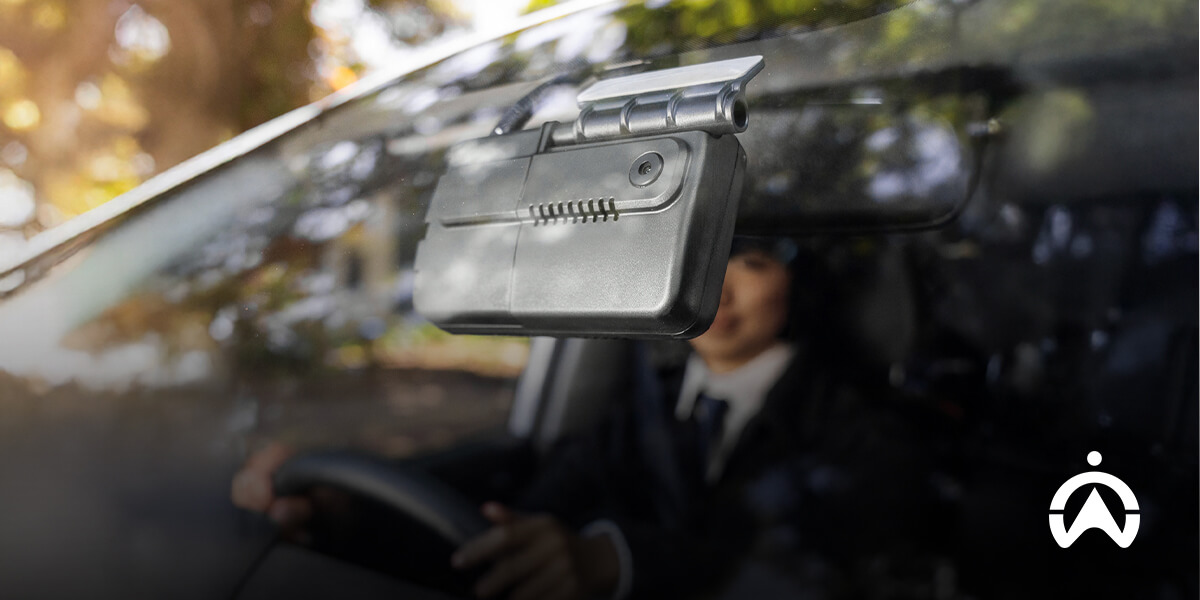
Cartrack dashcam mounted on a car's windshield, capturing the view through trees and sunlight.

What makes a dashcam a valuable purchase?

Not every dashcam is worth the purchase. You need to take a few things into consideration before buying one. Here are the 3 essential factors to consider when purchasing your dashcam:

  • Build quality and durability: A high-quality build on a dashcam supports stable video recording, which is essential in critical situations such as the impact from accidents or capturing road signs and number plates in fast-moving conditions. A robust build also ensures that the camera is not affected by extreme weather conditions, such as when temperatures are too high or too low.
  • Reliable customer support and warranty: The dashcam you get should be from a company with customer support that is always available. One with good user reviews,  proven performance, and a warranty you can count on.
  • Integration with broader vehicle tracking systems: When a dashcam is integrated with vehicle tracking technology, you not only get clear footage but also detailed context, such as the time, location, speed, and braking. These contributing factors help accurately determine who’s at fault and improve safety.

How do dashcam features impact cost and functionality?

Like any other gadget, advanced features of a dashcam typically come with a higher price tag but also offer added value. Let’s have a look at some of these features:

  • Video quality – Dashcams with higher resolutions usually come at a slightly higher price point, but they offer advanced video quality that makes it easier to identify finer details, such as people’s faces from a distance or a license plate.
  • Low-light performance – Not all vehicle-mounted cameras perform well when there is little or no light, such as during nighttime or when a vehicle enters a tunnel.
  • Field of view (FOV) – This refers to how much of the road and surroundings the camera can see. It is measured in degrees and traditionally divided into three categories: narrow, standard, and wide. Wide-angle lenses usually offer better road coverage.
  • Storage options – Most dashcams use microSD cards; some offer cloud storage, while others can do both. Just like the smartphones we carry, cloud storage requirements usually come with a subscription fee, and the price of a memory card depends on the capacity and endurance.

Comparing dashcam types and power options

Dashcams come in various shapes and setups, with each type offering a different experience. Here is a brief overview of the key differences:

  • Single Channel vs Dual Channel
    A single-channel dashcam only gives you a view of what is happening in front of the camera. A dual-channel dashcam, on the other hand, has two cameras in one unit, covering the road, inside the vehicle, and a bit of the rear end.
  • Wired vs wireless
    This refers to the power source and installation preferences. Wired cameras require a direct power source, such as the fuse box or cigarette lighter, while the wireless ones are battery-powered and require USB charging. A wireless dashcam usually has lower video quality and a limited battery life, making a wired one the safer and more reliable option.
  • Basic vs smart dashcams
    The core function of a dashcam is to record the road ahead and certain parts of the interior or rear end. However, nowadays, dashcams are integrated with smart technology that allows more than that. Basic dashcam models often do not include features such as GPS, integration with mobile apps, Wi-Fi connectivity, driver alerts, and audio.
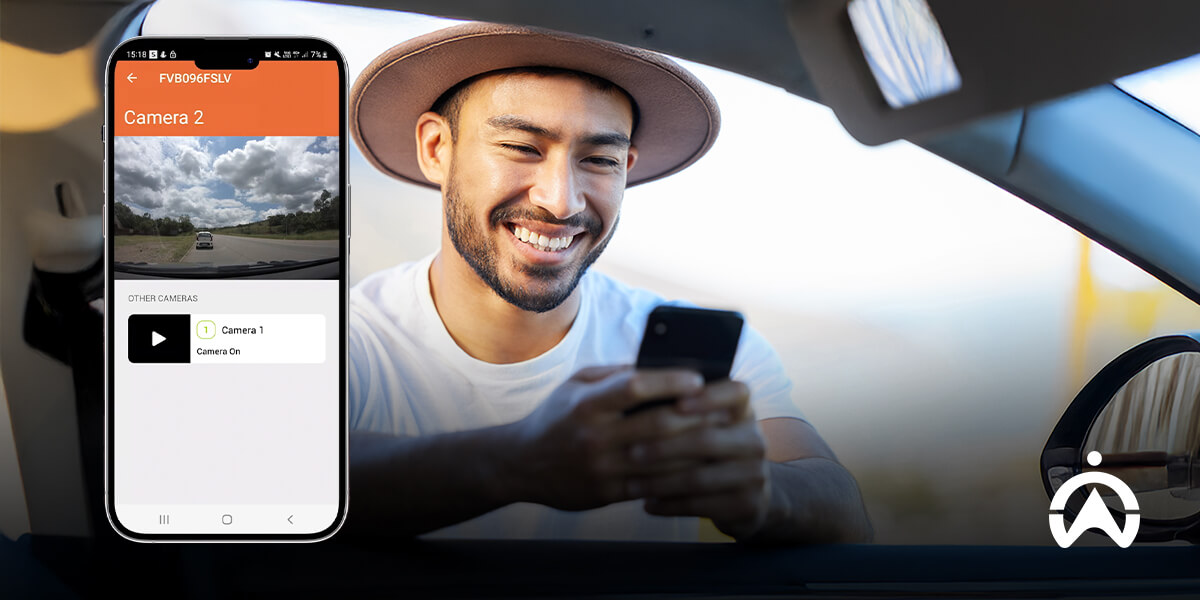
A man in a hat uses his phone to view Cartrack dashcam footage as he drives.

Get more than just footage with Cartrack dashcams

Cartrack offers advanced dashcam solutions at an affordable price for vehicles of all kinds. All our dashcams have a robust build and come with advanced features such as GPS and cloud storage options. Whether you want one for basic recording needs or to enhance family safety, Cartrack has the perfect solution for you.

  • Road vision
    The Cartrack Road Vision camera solution specially caters to those who mainly want the focus to be on the road. It is a single-channel dashcam that captures everything happening in front of you while you drive, ensuring you have enough evidence to protect yourself if need be.
  • Dual vision
    As the name suggests, Cartrack’s Dual Vision camera is one that gives you a full view of what’s happening in front of the vehicle and inside the vehicle, and certain parts of the rear end. Offering a more complete view and giving you stronger evidence for accidents and insurance claims.

Why Cartrack dashcams are a smart investment?

Dashcams are an essential safety tool in modern driving, and obtaining one from Cartrack ensures that you receive reliable service, a high-quality product, and value for money. We always strive to give you the best technology out there for your vehicle at an affordable price point. Make sure you contact us today and get yourself an extra set of eyes on the road.

FAQs about dashcams in Malawi

Q: Do dashcams drain your car battery?

A: Dashcams typically don’t drain the battery unless left on while the car is off. If you have a dashcam with a parking mode option, it might be the source of battery drainage.

Q: Should I remove my dashcam at night?

A: No. Removing your dashcam at night interferes with how it was initially installed and may affect performance as the angle might not exactly be the same.

Q: Do I need to inform my insurer that I have one?

A: Yes. If you have a hardwired dashcam, it is best that you inform your insurer to avoid warranty voids. Insurers usually require notifications of vehicle modifications, which include the installation of a dashcam.

Q: Is a dashcam a legal requirement?

A: A dashcam is not a legal requirement in Malawi; however, it is a valuable tool for enhancing safety and saving costs by proving your innocence with the evidence gathered from it.

Dashcam for Cars That Is Worth Buying

Not sure if a dashcam is worth the investment? Have a look at this blog and see why every motorist needs one.

Speak to an Expert: 0101410168

9 Ways to Stop Your Fleet Drivers from Speeding

To prevent your fleet drivers from speeding, you need to adopt a dynamic approach that incorporates strict company policies, advanced technology, and comprehensive training. This method will promote safer driving habits, thus improving overall fleet running costs and enhancing safety.

Speeding is one of the most common causes of road accidents. It also consumes more fuel, causes vehicle damage, and could lead to reputational damage for your company. This sort of driving behaviour will, in the long run, result in higher fleet operational costs. In today’s article, we give you 9 simple ways to reduce the speeding habits of your vehicle operators.

9 Effective strategies to reduce speeding in your fleet

Speeding is a huge concern on Malawi roads, and for a business, it can result in higher operational expenses. With the right strategy, your business can overcome this issue with ease. Here are 9 ways to stop your fleet drivers from speeding:

1. Implement real-time speed monitoring

Technological solutions are the key to curbing the issue of speeding. As a fleet manager, you must invest in a vehicle telematics system, as it gives you a full view of how drivers behave on the road. You’ll get instant alerts of speeding incidents and extensive reports.

2. Find the root cause

It’s always better to know why speeding incidents happen in the first place. Are the schedules too tight? Is it poor route planning? Or is it more of a company culture issue? These are the questions you should be asking to find the root cause and make amends.

3. Set clear rules on speed limits

Don’t assume all drivers know the law. Create company policies that clearly state the maximum speed allowed in different areas or road conditions. For example, drivers need to slow down at least 10 km/h below the speed limit when it rains. Put this in your policies and communicate it to them so they know what’s expected of them in those situations. Make sure every driver understands the rules.

4. Give drivers regular feedback on their driving

Use the telematics system and fleet management platform to generate reports for each driver. The report should include things like how often they speed, when, and where. You might discover that some drivers only tend to speed on a certain route and therefore need training on a better way to go about it. Sharing reports is an opportunity to communicate with drivers, encourage safer driving, and reward improvements.


5. Offer ongoing training

Ensure that drivers are regularly upgrading their driving skills. You can offer defensive driving courses or use each incident as an opportunity to send the driver for coaching. A good fleet management system should already have a coaching system in place to make it easier for you.

Accidents are the worst, as they could turn fatal. Drivers must understand the impact speeding has on a business beyond collisions. Educate them on the effects of speeding. Point out how it increases fuel costs and repair expenses, and makes the business a higher risk to insurers. 

6. Reward safe driving

Every employee needs to be motivated, and rewarding good behaviour is one way to keep morale up. Give public recognition to drivers, like naming them “driver of the month” and putting them in newsletters. You can also give incentives such as gift cards, bonuses, or an extra break time.

7. Reduce distractions using in-cab cameras with AI features

In some cases, drivers end up speeding because they’re distracted by something else and are therefore not paying attention to the speed limits. It’s important that you install dashcams with AI capabilities, as these can detect when drivers are not paying attention to the road.

The cameras will give drivers alerts to change their behaviour, ensuring that they avoid accidents. You will also get reports on each distracted driving incident and can then review the footage with drivers to help them improve.

8. Avoid schedules that force drivers to rush

Unreasonable deadlines make drivers more likely to speed. As mentioned in one of our previous points, tight schedules and poor route planning might be one of the reasons drivers feel the need to speed. Use route optimisation software tools to perfectly plan routes and delivery times that allow safe driving.

9. Lead by example

Safety is a priority for everyone in the company. Therefore, managers and supervisors who use company vehicles should also follow the same safety rules. Setting this example helps create a culture where safe driving is taken seriously across the whole team.

Facts about speeding

Speeding inevitably increases the likelihood of road accidents. It may also result in injuries and fatalities! According to the World Health Organisation (WHO), road traffic injuries are the leading cause of death for children and young adults aged 5–29 years. They also state that approximately 1.19 million people die each year as a result of road traffic crashes.

It’s also important to note that insurance premium rates are based on risk, and since speeding increases the chances of accidents, it also means an increase in insurance claims (and higher premiums).  Traffic fines WILL affect your insurance rates. 


The Cartrack solutions that help keep your drivers within speed limits

At Cartrack, we have various solutions for you to reduce speeding and improve driving behaviour. Here’s what we offer:

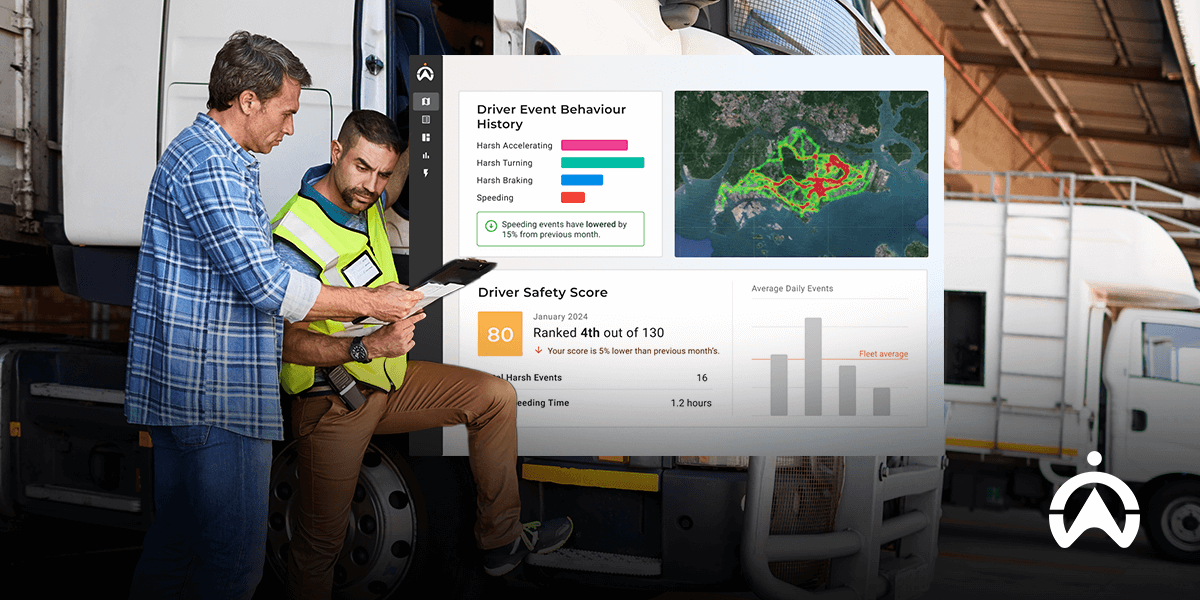
  • The Cartrack telematics device: Our GPS tracking units have telematics capabilities. This means they monitor vehicle activities and detect when drivers are engaging in unsafe driving habits such as speeding, harsh cornering, and harsh acceleration. You’ll then get reports on each incident, indicating the number of “violations”. You can also view this information in the form of a chart, so it’s easier to understand.
  • AI cameras: We have AI-powered cameras that were solely designed to enhance driver safety and give you a full view into the activities of each driver. Our AI Dual Vision dashcams can spot and give audible alerts when drivers are using their cellphones, yawning, or smoking. As mentioned, such behaviours could distract the drivers from focusing on speed limits, so minimising them helps a lot!.
  • Coaching platform: You also have the option of adding our coaching platform to your package. The Cartrack coaching platform keeps a record of each incident from every driver. From there, you can use this to see trends in your team and the events of each individual, and send them for training based on their specific needs. This feature also allows trainers to leave notes for each session so they know what was discussed with each driver in previous sessions.

Using a mix of technology, fair rules, and a positive safety culture is the best way to improve overall driver conduct. Investing in our fleet management technologies is the first step to reducing risky driver behaviour. It also gives your business a stronger reputation and saves costs. Contact us today to see how we can help you curb speeding in your fleet.

Frequently Asked Questions about Speeding

Are incentives more effective than penalties when trying to stop truck drivers from speeding?

Yes. Positive motivation, such as incentives, works better in the long term compared to penalties. When drivers feel punished, they tend to experience stress or fear, which can lead to them hiding violations or engaging in unsafe shortcuts to avoid consequences.

How can fleet managers train their drivers on the job?

Fleet managers can train their drivers on the job by using GPS telematics systems and cameras. This ensures that they always have a close eye on behaviours such as speeding, harsh braking, or distracted driving. From there, they can provide feedback after trips or during scheduled coaching sessions.

What are driver scorecards, and how do they work?

Driver scorecards evaluate a driver’s performance based on telematics data. The system rates each driver on how they behave on the road. It monitors each trip and scores it according to the number of incidents. In doing so, drivers and fleet managers will know if they’re good or if they need more training to practice safer driving.

Cut costs, improve safety, and protect your company’s reputation with our solutions. Reach out to us.

AI Camera System: 5 best features to look for your fleet business

AI Camera System: 5 best features to look for in your fleet business

AI camera systems are used in fleets to monitor drivers, record vehicle data, and manage logistics remotely. Any company that takes its fleet seriously needs a comprehensive way to manage that fleet as affordably and efficiently as possible. Now that AI is being integrated into these camera systems, they’re better than ever!

Driver fatigue is one of the leading causes of fatal crashes. But what if fleet managers could detect fatigue before it became a risk? And beyond fatigue—what about other accident causes? Could those be prevented, too?

This is why Cartrack has covered the 5 best features of AI camera systems in fleet management. This technology not only saves your organisation a large percentage of your profits, but also protects your assets, your drivers, and your long-term growth. Let’s explore how.

Top 5 AI camera features for fleet managers

If you’ve been wondering if your current vehicle dashcams are worth replacing with AI camera systems, check out this brief overview:

Feature What it Does Why it Matters
Driver fatigue detection Detects when the driver is tired Helps prevent accidents
Dual-Camera with ADAS & DMS for Collision warning Alerts when a crash risk is high Gives drivers time to react
GPS-linked route optimisation Finds the best route Saves time and fuel
On-demand footage retrieval Let’s you access video when needed Useful for checks and proof
Automatic driver scoring Rates driver behaviour Supports training and safety

Now let’s look at each one more in-depth.

1. AI in-cab alerts

One of the best features of an AI camera system is the software’s ability to detect potentially dangerous driver behaviour. This includes:

  • Distraction (looking away instead of ahead)
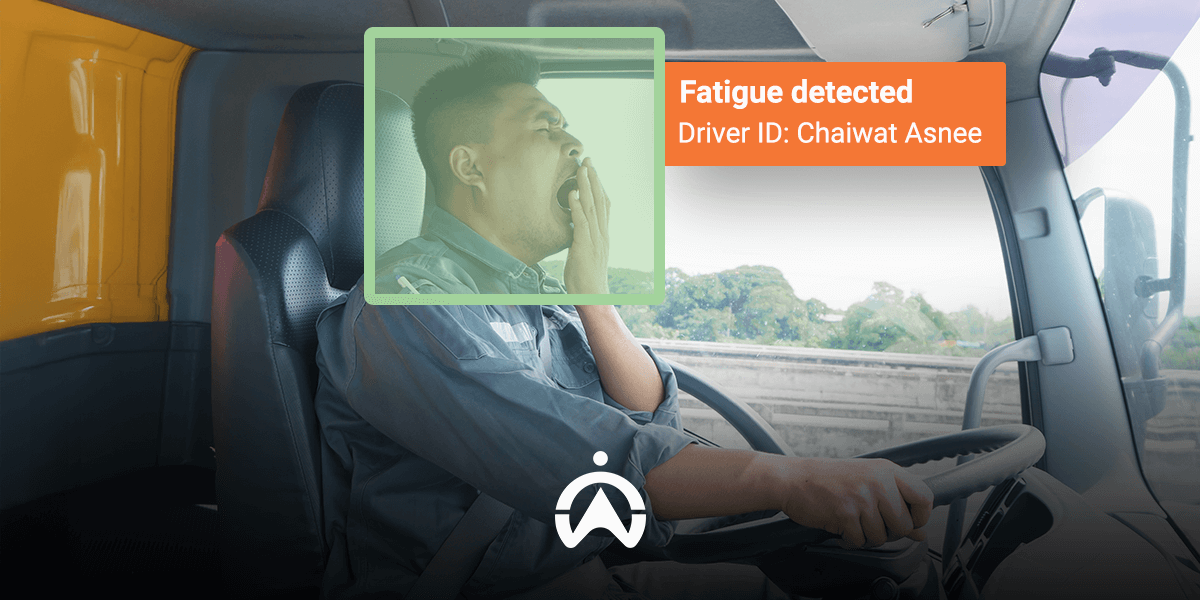
  • Fatigue (yawning, eyes closing, etc)
  • No seatbelt
  • Smoking or vaping
  • Tampering with the camera

These behaviours can have a devastating impact on your driver and your vehicle. Getting notified of these behaviours helps you to better manage your fleet, because you’re never in the dark. Alerts will be sent to you and/or your fleet manager in real time, so you’ll always have a sense of control even when your drivers are far away.

Cartrack AI Camera System with black car cameras and accessories on orange background.

2. Dual-camera with ADAS & DMS

Regular dashcams are usually forward-facing. The AI camera systems at Cartrack provide forward and driver-facing (known as in-cab) cameras that monitor the driver and the driving compartment.

But what’s so special about that, and what role does AI play in these camera systems? Well, these cameras have ADAS (Advanced Driver Assistance System) and DMS (Driver Monitoring System) features. DMS is what we covered in the previous section.

However, ADAS is much more advanced, because this is where the AI really proves its worth to you and your driver:

  • Advanced Driver Assistant System: This is software that steps in when your driver needs it most. The AI-powered ADAS has some of the most advanced capabilities, including:
    • Forward Collision Warning (FCW) – alerts if a crash risk is detected
    • Automatic Emergency Braking (AEB) – applies brakes if the driver doesn’t react in time
    • Lane Departure Warning (LDW) – warns if the vehicle drifts out of its lane
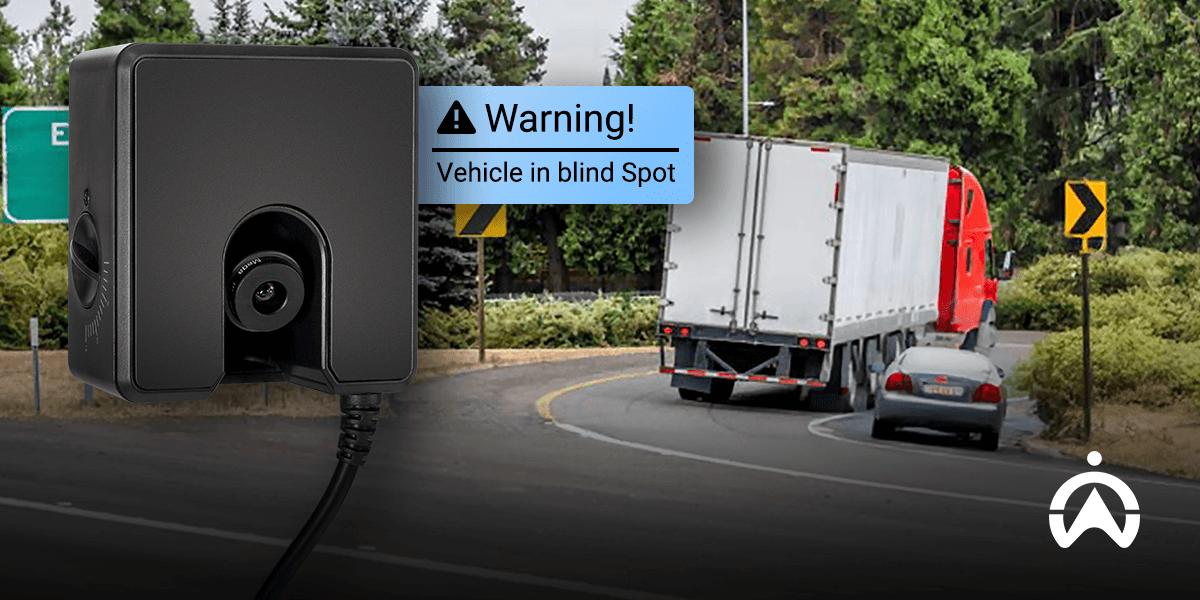
    • Blind Spot Detection – monitors and alerts for vehicles in hard-to-see areas
    • Adaptive Cruise Control (ACC) – automatically adjusts speed to keep a safe following distance

3. Cloud and event-based footage

Further to receiving the event-based alerts mentioned above, AI camera systems also allow you to view live footage of your driver and the surroundings of your vehicle. What you may not know is that when one of those alerts is sent, it triggers the recording software and intelligently decides what important events to archive for later viewing.

This means that every time something out of the norm happens during the driving process, your AI camera system will record and keep that footage for:

  • Insurance purposes
  • Driver accountability and feedback
  • Fuel fraud investigations
  • Driver complaints
  • Disciplinary processes and labour law compliance

4. GPS integration & telematics

“GPS & Telemetry Integration for Contextual Oversight…” might sound technical, but it’s easy to grasp. It simply means that your AI camera system uses GPS to track the vehicle’s exact location, and then pairs this with telemetry data, like speed, braking, and fuel use.

Together, this data gives fleet managers a clear picture of what was happening and where. As you can imagine, this makes it easier to understand incidents, coach drivers, and improve operations.

5. Scalability and coaching tools

It’s nice to know that you and your fleet managers can access pertinent footage whenever you need it. But what about storing all of this information? Together with intelligent technology, AI camera systems also come with a cloud storage infrastructure that allows you to archive a large amount of footage for later use.

As footage ages, you can delete it or simply purchase more storage space. This allows you to retrieve footage when necessary, but these systems also track and record driver scorecard data. This never gets deleted, because you’ll need it to rate, train, and commend your drivers. 

How are AI camera systems different from standard dashcams?

AI camera systems can be distinguished from standard dashcams primarily through their ability to detect pertinent activities. 6 more features worth mentioning include:

  • Real-time analysis vs. passive recording
  • Automated event uploads
  • Alerts and driver coaching
  • Multi-sensor integration
  • Risk scoring and reporting
  • Theft prevention and compliance support

Because all of this data is recorded and stored via cloud-based storage systems, you get an archive of relevant information that regular dashcams wouldn’t provide.

Let’s compare your regular dashcam to the AI camera systems Cartrack offers in terms of these six features.

Real-time analysis vs. passive recording

Automated event uploads

  • ‍Regular dashcam: Video files will stay stored on a memory card until you or your managers remove them. If an incident occurs, managers must manually download and review the footage.
    ‍
  • ‍Cartrack AI cameras: Important events are automatically uploaded to the cloud. This ensures incidents are captured, stored safely, and left ready for you to review them whenever you’re ready.

Alerts and driver coaching

  • ‍Regular dashcam: Standard dashcams can’t warn your drivers or help them improve their driving habits. They’re no more than a record of what happened AFTER it’s already happened.
    ‍
  • ‍Cartrack AI cameras: The system gives you real-time alerts for risky behaviour like harsh braking or fatigue. Drivers receive instant feedback to improve their performance. This also helps you to identify patterns and deal with them preemptively.
Cartrack AI Camera System showing driver behaviour analytics and safety scores on digital dashboard.

Multi-sensor integration

  • ‍Regular dashcam: Traditional dashcams rely only on video footage and can’t connect with the systems of your vehicles. This limits the data they can ultimately provide to you and your fleet managers.
    ‍
  • ‍Cartrack AI cameras: These connect with GPS and CANbus to combine speed, braking, fuel use, and video data. You’ll get a complete view of each vehicle as well as your drivers’ activities.

Risk scoring and reporting

  • ‍Regular dashcam: A standard dashcam doesn’t calculate the respective riskiness of your drivers. It also can’t generate reports. You and your managers must rely on manual reviews of video clips, which can be tedious and time-consuming.
    ‍
  • ‍Cartrack AI cameras: The system scores drivers based on behaviour and provides clear reports. This helps you to identify trends and take action quickly.

Theft prevention and compliance support

Where can you get the best AI cameras for your fleet?

At the forefront of AI camera technology for fleets is Cartrack. We’ve pioneered the industry and developed devices and systems that make your job easier when it comes to managing your vehicles and drivers.

You might be considering dashcams for your fleet. Perhaps you’ve already got them. Replacing them with AI camera systems is the best way to evolve your fleet and give you the data you need to grow as an organisation.

Contact us today to get a tailored quote on your own fleet’s AI camera solution.

AI camera systems frequently asked questions

What are “harsh event” detections?

Harsh event detections are alerts triggered when your driver brakes too hard, takes sharp turns, speeds suddenly, or drives in a risky way. Your AI camera picks these up in real time. This helps you spot unsafe habits early and improve both safety and fuel efficiency across your fleet.

How do AI cameras enhance legal defense and claims processing?

AI cameras give you clear video proof of what happened before, during, and after an incident. This reduces false claims and helps speed up insurance processing. Your business saves time, avoids unnecessary costs, and has stronger evidence to protect drivers and your company’s reputation if disputes do arise.

Are AI camera systems tamper-proof?

Yes, most AI camera systems are built to resist tampering. However, no system is fully foolproof. They use locked mounts, secure storage, and cloud uploads to keep your footage safe. If someone tries to interfere, alerts can be sent to you so that action is taken quickly.

Can AI camera systems withstand rugged terrains?

Yes, AI camera systems are designed to handle Malawi’s tough roads and weather conditions. They’re built with durable parts that resist dust, vibration, and heat. This makes sure your footage stays reliable whether your trucks are driving on highways, dirt roads, or mining routes.

How long do cameras continue recording when the ignition is off?

Most AI cameras keep recording for a set time after the ignition is switched off. This is usually powered by backup batteries or low-voltage connections. It means your vehicles remain protected while parked, helping you to capture footage of theft attempts or damage even when no one’s driving.

Curb expenses, monitor your fleet, and avoid mishaps with Cartrack’s groundbreaking AI camera system.

Truck Dashcam for Fleet Safety and Monitoring

Dashcams have become a staple for most company fleet vehicles because they offer several significant benefits. For a fleet of trucks, dashcams are essential for performance monitoring and safety.

Video-based monitoring is becoming more crucial in fleet management due to its ability to increase security and reduce overall operational costs. According to Verified Market Research, the African fleet dashcam market is expected to experience gradual and consistent growth over time. This is because of a growing emphasis on road safety.

Today, you’ll read about how truck dashcams go beyond simple video capturing, and we’ll show you what you should expect by investing in them.

In this article, you will:

  • The core function of a dashcam
  • The reasons behind the need for fleet dashcams
  • Must-have dashcam features
  • How dashcams fit into your broader fleet management strategy
  • Cartrack’s dashcam solutions to best suit your fleet

What’s the purpose of a fleet dashcam?

The purpose of a fleet dashcam is to prevent and mitigate accidents, promote road safety, and emphasize driver accountability. Fleet dashcams are designed to provide fleet managers with a comprehensive view of what vehicle operators do daily. Modern-day truck dashcams come with GPS technology integration, which enables fleet managers to also verify location with the footage provided.

Driving a truck is not for the faint-hearted; no matter the years of experience, mistakes such as missing a blind spot are inevitable. The amount of weight your drivers add to the severity of an accident is high. Here are some of the ways dashcams mitigate potential driving errors:

Incident evidence and liability protection

Truck dashcams are now commonly referred to as silent witnesses. In instances where there’s no one to back up the driver on their version of events, dashcams become that backup.

Nowadays, many fleet dashcam videos showcasing hijackings, reckless driving, accidents, and cargo theft go viral on social media platforms.

Insurance savings

Dashcams encourage driver accountability because they know they’re being watched. This reduces the chance of reckless driving habits, which in turn decreases the number of claims, making your fleet less of a risk to insurers and therefore resulting in lower premiums. Most insurance companies now require your fleet to invest in dashcams for better pricing as well as claims backup.

Real-time visibility

As already mentioned, modern-day truck fleet dashcams come with GPS telematics capabilities. Telematics enables fleet managers to monitor and verify vehicle locations and keep an eye on driver behaviour.

The system collects vehicle data on various things, including driving habits such as sudden braking, long idling, harsh cornering, speeding, and rapid acceleration. With this, fleet managers are not only able to see what drivers are up to but also get data to prove the extent further.

Operational accountability

Through the evidence provided by video footage and telematics data, fleet managers can notice trends in the entire fleet and notice each driver’s patterns. They can then address specific issues with drivers and send them for coaching.

Fleet-wide performance benchmarking

Fleet managers can use the information from video footage and telematics reports to identify and reward top performers, as well as to set Key Performance Indicators to drive improvement in the overall business operations.

Return on investment (ROI)

The cost for your truck dashcam system should ultimately pay for itself in the long run. So how exactly does the right fleet management software give you a return on your investment? The best truck dashcam will always ensure:

  • Fewer accidents: lowers the cost of unexpected repairs.
  • Accurate camera footage: helps you to resolve accident liability much faster, meaning less downtime.
  • Improved driver behaviour: reduces wear and tear, increases fuel efficiency, and results in fewer penalties and legal disputes due to violations.

This proves investing in dashcams brings significant financial benefits to the business compared to the cost of dashcam solutions.

A smartphone displays Cartrack truck dashcam feed showing vehicles on a road.

Features that matter in a commercial fleet dashcam

There are many truck fleet dashcam options out there. As a fleet manager, you need to know which type would best suit your fleet’s needs. Here are the top features to look out for when shopping for commercial fleet dashcams:

Dual-facing vs. outward-only cameras

For a vehicle as big as a truck, you need a dashcam that faces both the road and the interior. The interior camera should also show a bit of the rear end to give you a complete video of the vehicle and its surroundings. Single-channel dashcams (road-facing only) are only recommended for smaller, personal vehicles, not trucks.

High-definition video quality

The whole point of a dashcam is to capture as much detail as possible. The higher the resolution, the clearer the imagery. This makes it easier to see finer details such as license plates, road traffic signs, and billboards from a distance. Ensure that you get fleet dashcams with good video resolution so you can get crystal clear views.

AI or Advanced Driver Assistance Systems (ADAS)

A 2022 report from Cartrack Malawi notes that human factors like speeding, reckless driving, and distracted driving are major causes of accidents in the country. The Malawi Police recorded 5,553 road crashes in 2022, resulting in 1,068 deaths, underscoring the urgent need to address these issues.

One of the greatest innovations of modern-day fleet dashcams is artificial intelligence. This powerful technology enhances fleet safety by providing real-time alerts when it detects distracted or unsafe driving habits such as cellphone use, fatigue, or smoking. This ensures that drivers constantly keep their eyes on the road. A dashcam with AI features is a must-have in the trucking industry because drivers are on the road for long hours and might get tired or distracted along the way.

AI camera technology takes driver safety a step further by detecting high-risk situations outside the vehicle (such as blind spots) and giving warnings so drivers can avoid accidents.

Integration with GPS and telematics platforms

As already mentioned, dashcams with GPS and telematics are a must-have! These dashcams combine video recording with GPS tracking, wireless connectivity, and sensors to provide your fleet managers with a comprehensive view of the vehicle as well as driver behaviour. Dashcams for trucks should be able to integrate with your fleet management software platform for reporting, analysis, and coaching.

Night vision

How is your camera view at night or in low light conditions, like when your truck goes through a tunnel? Ensure that the dashcams you get for your fleet of trucks can capture clear and detailed footage in low-light conditions. To achieve this, the camera needs to have sensors and lenses that can detect low-light environments.

Cloud storage

The type of storage a dashcam possesses is directly related to the features you receive. For example, a dashcam with cloud storage allows for real-time access to the footage through LTE or Wi-Fi connectivity. This means you can live-stream from anywhere at any time. Many basic entry-level dashcams lack these advanced connectivity options and therefore don’t support remote access.

Common concerns about dashcams and how to address them

With every large purchase or investment for your business, there are inevitably some reservations. Let’s break down your concerns about truck fleet dashcams and see if we can help you address them:

Driver privacy

In one of our articles, we discuss the importance of ensuring your drivers are comfortable with the use of cameras and striking the right balance between monitoring and privacy. The best practices for this include:

  • asking for consent,
  • informing passengers,
  • creating a privacy policy,
  • limiting access to only authorised personnel,
  • customising camera settings,
  • encouraging driver feedback,
  • and sharing success stories.

Data management

Effective data management and access control are crucial for fleet dashcams. This ensures company privacy, security, and that you meet compliance standards. To achieve this, fleet managers must develop and implement policies that restrict unauthorised access to footage and outline the procedure for securely storing the data.

Cost

The cost of a fleet dashcam service might seem like adding more expenses to your business’s operational costs. However, in the long run, installing dashcams will save your organisation a significant amount of money in the negotiation of accident repair costs, insurance costs, fuel costs, and legal fees. With your costs down, you’ll gain the flexibility to safely add more trucks to your fleet and grow your organisation.

Cartrack AI truck dashcam displaying a warning for a vehicle in blind spot.

How dashcams fit into a broader fleet management strategy

Dashcams are mainly designed to enhance driver safety, provide evidence, and boost vehicle security. They can also strengthen and support other fleet management strategies, such as the following:

  • Fuel management: The GPS and telematics capabilities from fleet dashcams highlight driving behaviours such as long idling, rapid accelerations, and detours. These all increase fuel consumption, so by investing in a dashcam, you reduce the frequency of these fuel-draining habits.
  • Maintenance tracking: Aggressive driver behaviour also increases the chances of vehicle wear and tear. By investing in fleet dashcams that are powered by telematics, you’ll get reports of these tendencies and address them, resulting in proactive maintenance planning. 
  • Coaching: Driver training is a very important aspect of running a successful fleet. As a fleet manager, you can use the video footage to highlight your concerns with each driver and send them for training on how to improve.
  • Reward programs: You can use the information from the camera reports to highlight, recognise, and reward drivers who are showing improvement. This boosts employee morale and helps reduce driver turnover.

Common dashcam questions and how to address them

From data privacy to ease of use, business owners often worry when a new gadget is introduced. Here’s how to move past those common concerns:

  1. Do dashcams work when the engine is off? 
    Yes, some fleet dashcams can be set up to record when the engine is off. This feature is called “parking mode”. It requires a certain type of hardwiring to the vehicle battery or an external power source to be activated. All you need to do is ask your service provider if you have the option to do so.
  1. Is my data secure?
    Ensure that you choose a dashcam service provider that prioritises business privacy to protect your business. Find out about their data-handling processes, security measures, and transparency. Make sure you go for a reputable company that has years of experience in all things related to fleet management.
    ‍
  1. Can I manage video footage across all vehicles easily?
    Yes, with the right dashcam solution, managing video footage across your entire fleet should be possible. This is because of the software’s integration with fleet management platforms, allowing you to access footage remotely, download clips, search and filter footage by date and time, and receive alerts.

Enhancing fleet oversight with Cartrack dashcam solutions

We have camera solutions for fleet vehicles of all sizes. Our dashcams come with standard GPS and telematics solutions, cloud storage, and high video quality. They also work well with other fleet management-related packages. Here are the top solutions we have to offer for your truck operations, as well as other key features you can expect to enjoy with Cartrack’s truck dashcam solutions:

AI Dual Vision

The Cartrack AI Dual Vision camera is both road- and interior-facing. It’s also AI-powered, meaning it can detect distracted driving behaviours such as drowsiness and cellphone use. Once detected, the cameras will give your driver audible real-time alerts so they can immediately correct their actions and focus on the road ahead. Our AI cameras can also detect blind spots and provide your drivers with early forward collision warnings, helping them to avoid accidents.

Coaching

We have a feature on our platform that focuses explicitly on driver coaching. It helps with improving the skills and behaviour of each driver. The Cartrack Coaching solution collects all information from recorded camera and telematics incidents. Then it turns it into understandable data where you can spot the trends among different departments, easily identifying the patterns of each driver.

From there, you can address your concerns with each driver and book them for additional training. The software will show repeated offences as well as the notes left from the previous coaching session to enforce accountability.

Driver Scorecards

As already mentioned, fleet managers need to reward good driving habits. Cartrack has a driver scorecard program that tracks incidents such as speeding and harsh cornering, giving each driver a rating based on the frequency of these incidents. You can use this system to reward drivers with the best ratings, which can help motivate them.

Invest in the Cartrack dashcam solutions for fleet safety and cost reductions!

Dashcams offer more than just extra safety. They also provide valuable insight that can improve overall business operations. With Cartrack, you get a fleet management integrated camera solution all in one platform, making things easier for you. Contact us today and see the difference our camera solutions will bring to your fleet.

Why Business Owners Should Invest in a Truck Camera System

Business owners should invest in truck cameras because they assist in improving the overall safety of their vehicles and cargo. They also provide fleet managers with a full view of what drivers get up to daily. This technology has become the standard in the trucking fleet business, as it also reduces the risks of accidents and improves operational efficiency.

Let’s dive into why a truck camera system is worth the investment and how we, as Cartrack, stand out from the rest in terms of what we offer.

Is a truck camera system good for your fleet business?

Yes, a truck camera is absolutely good for your fleet business! It presents many benefits that help your business improve efficiency, safety, and fleet running costs. By reviewing footage and data, you can make more informed decisions to enhance the overall performance of your fleet.

Let’s have a closer look at some of the key advantages of having a truck camera system:

Enhancing driver accountability and behaviour

It’s no secret that most drivers don’t like the thought of cameras “following them around” while they go about their daily tasks. However, the presence of fleet cameras encourages safer driving habits. They know they’re being watched, and should there be any issues, they’ll be held accountable.

Most fleet cameras have telematics capabilities, meaning they can detect driving habits such as speeding, harsh braking, and excessive acceleration. As a fleet manager, you’ll receive alerts and reports of these behaviours so you can address and educate drivers on better habits.

Some cameras also have AI (artificial intelligence) technology. This means that they can spot when drivers are engaging in unsafe driving habits, such as when they’re looking away from the road. This improves the safety of drivers, as the cameras give off alerts that help them quickly change their actions to avoid accidents.

You can also station fleet cameras outside the trucks to cover surrounding areas and inside the load area. This ensures that the cargo is protected and that you can always see if employees are handling it with care.

The evidence presented by video footage and telematics data can be used for coaching drivers and performance reviews to further promote accountability and improve road safety.

Cartrack truck camera system mounted on windshield, recording driver in suit with sunny view outside.

Protecting your business from false claims

The quickest and most cost-effective way to resolve accident disputes is to have solid proof. With false car insurance claims on the rise in Malawi, a camera system has become increasingly necessary for trucking businesses.

In instances where a fleet driver is not at fault, camera footage is all you need to prove their innocence. The camera footage will reveal the whole scene, from before the incident to during and after. A truck camera system also helps protect your business from the long-winded back and forth. It speeds up the process, saves costs, and protects the company from insurance fraud chancers.

Reducing costs in the long run

From our previous point, we’ve already established how cameras improve driver safety and therefore reduce the chances of accidents through AI and telematics. Fewer accidents lead to fewer unexpected repairs and claims. This then results in lower insurance premiums in the long run, as the company’s risk profile will improve. Good driving habits also reduce vehicle wear and tear, reducing the frequency of vehicle part replacements.

Boosting customer service and delivery accuracy

Cameras present visual evidence of how employees handle products during deliveries and help verify if they arrived on time. Your company’s reputation is what will bring in more clients. It’s therefore essential that you protect it at all costs.

For example, suppose a client complains about product damage. In that case, you review the footage to confirm that the staff loaded the products securely. This keeps the cargo safe from movement that could cause damage to the products. It also helps identify who was at fault and strengthens trust with clients through transparency and accountability.

What to look for in a good truck camera system

A good truck camera system should have a multi-camera setup that provides 360-degree coverage, including the front, sides, interior, and rear end. The camera quality should be clear enough to see finer details, such as faces and license plates. Their standard features should include GPS integration, cloud access and storage, and AI assistance.

Cartrack truck camera system detecting distracted driver holding smartphone inside vehicle.

How can Cartrack truck camera solutions help protect your fleet?

The Cartrack truck camera solutions help shield your fleet from accidents using smart features that enhance fleet oversight. All our fleet camera offerings come with sharp image quality, GPS tracking features, cloud storage, and the ability to live stream footage from anywhere.

Here’s a closer look at the top Cartrack camera solutions for your fleet of trucks:

  • AI Dual Vision: This is a road- and in-cabin-facing camera solution that gives you a clear view of how drivers behave on the road and what they see ahead. As the name suggests, it’s equipped with AI technology that can spot distracted driving. From there, it’ll give out audible alerts so drivers can quickly correct their actions. It also provides blind-spot and forward collision warnings. As a result, drivers will always be aware of their surroundings.
    ‍
  • AI Multivision: Our AI Multi Vision solution gives you the option of installing up to eight cameras in each of your trucks. This gives you a comprehensive view of what happens in and around the vehicles.
    ‍
  • Coaching: The Cartrack driver coaching platform provides fleet managers with detailed insights into the driving patterns of each vehicle operator. It shows repeated offences, based on incidents from camera footage and telematics reports. From there, fleet managers can send drivers for training and use this platform to tackle each concern. The outcomes of the training sessions can be recorded on that same platform, so the previous trainer can see what was discussed with the same driver in the last session.

By offering detailed insight into driver behaviour, helping reduce accidents and unexpected downtime, and meeting compliance regulations, truck camera systems go beyond surveillance. They instead boost overall fleet efficiency. Reach out to us, and explore camera solutions suited to your truck operations.

Frequently Asked Questions about Vehicle Camera Systems

Do truck cameras record everything?

Not exactly. Many truck cameras record everything that happens only when the ignition is on. Some only record when there is a trigger, such as a sudden impact to the vehicle. While others recovered continuously, it all depends on the type of camera it is and the settings. Also, keep in mind that they might only cover specific angles and not everything around the truck.

Which vehicle camera is best for small businesses?‍

The Cartrack AI Dual Vision dashcam works best for small businesses. It offers a good balance of advanced features such as AI assistance for forward collision warnings and speeding alerts. These alerts enhance driver awareness, reduce the chances of accidents, and improve overall road conduct.

How do truck cameras work? ‍

Most truck cameras use a combination of camera lenses, sensors, GPS-based telematics, and artificial intelligence to capture daily trucking activities. The cameras cover different angles of the trucks and all work simultaneously to give fleet managers an all-around view of each vehicle.

Get a customised truck camera quote for your fleet.